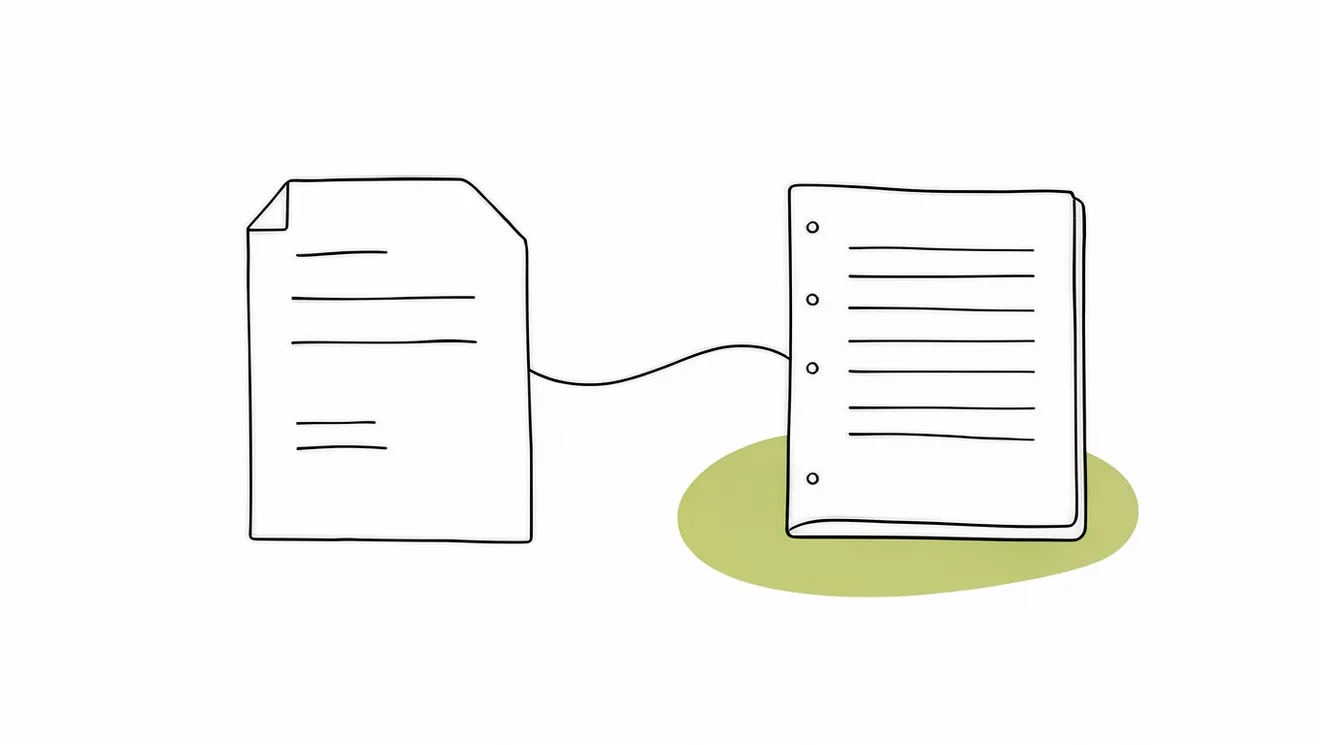
The layout on a computer
A thread has a column for notes or chat, and a panel for the source. A rail beside them has Sources, Artifacts and Study space.
- Move the source: open Source layout and select Source on right, Source on left or Source only.
- Resize: drag the handle between the panels. Gistr remembers the size.
- Keep the source open: use Pin source panel.
The layout on a phone
A phone shows one view at a time. Use Chat and Pages at the bottom. Open More views to find the other views, such as Sources, Highlights, Artifacts and Study.
Use many sources in one thread
One thread can hold many sources. Open All sources to switch between them. Ask AI uses the sources that you select. Use Select All and Unselect All to change the selection quickly.
To add a source, select Add source. See Add sources.
When you remove a source, Gistr also removes its highlights, notes and moments. You cannot undo this.
Rename, move or delete a thread
Open the menu of the thread. It has Rename, Share, Copy link, Move to collection and Delete.
- Open the menu of the thread.
- Select Delete.
- Read the message and confirm.
When you delete a thread, Gistr deletes its notes and clips. Memories that came from the thread stay. To remove a memory, see Memory.