Step 1
Ask and learn
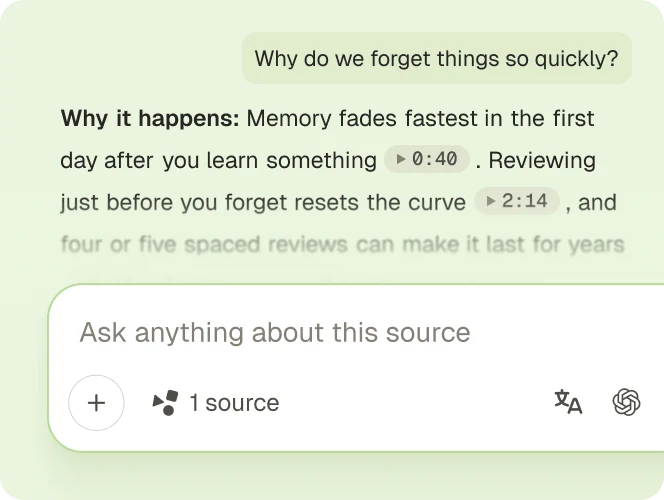
Ask anything about the source. Every answer links to the part it came from.
Paste your text and get short, clear notes to revise from.
Free, no sign-up. Up to 120,000 characters.
Three steps, no account needed.
Copy your text and paste it into the box. It starts with a short sample to try.
Select Get notes. Gistr turns your text into short notes with the key points.
Copy the notes in one click, or download them to revise offline.
Ask about the source, turn it into slides or quizzes, and practice until it sticks.
Step 1
Ask anything about the source. Every answer links to the part it came from.
Step 2
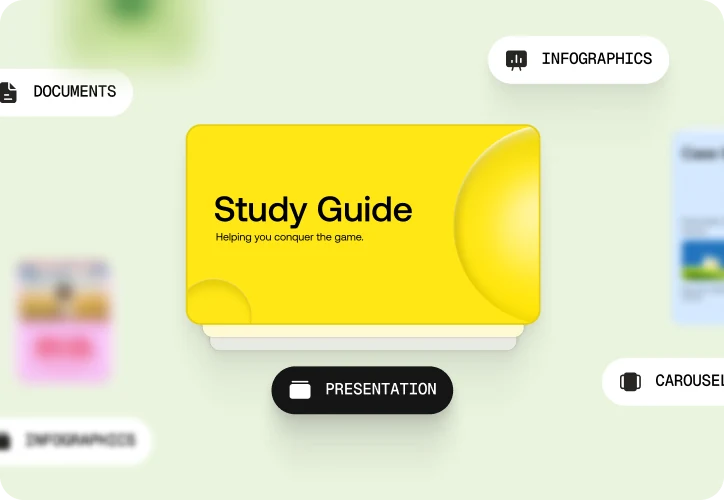
Turn it into notes, slides, docs, infographics or images.
Step 3
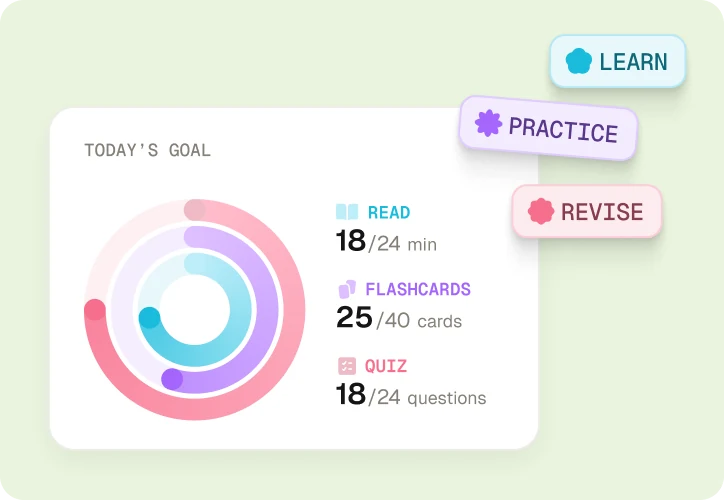
Follow a study plan with reading, flashcards and quizzes that come back before you forget.
Go deep with a frontier model, or get quick answers from a fast one.
Change the model right from the chat to compare answers or try a new angle.
Use OpenAI, Claude, Gemini, Grok, DeepSeek and more without paying for each.
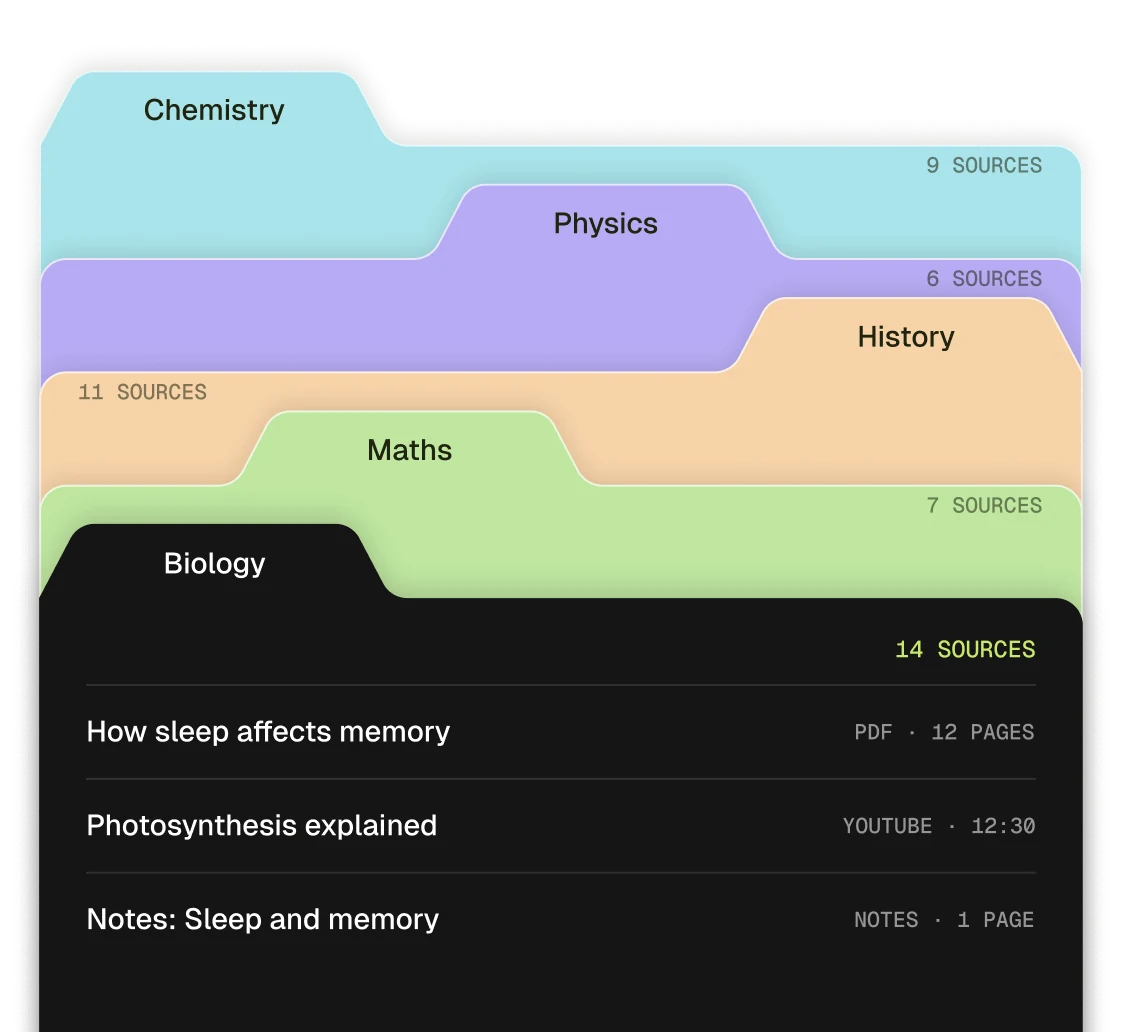
Group notes by subject so related ideas stay together.
PDFs, videos, podcasts and web pages live side by side.
Come back to any saved source with its notes ready.
Quick answers on length, results and downloading your notes.
Paste your text into the box at the top of this page and select Get notes. The text to notes tool gives you short notes with the key points. Copy them, or download them as a file.
Yes. It is free and needs no account. There is a limit per visitor, shared across the free tools. If you reach it, the page tells you how long to wait.
No. You can paste text, then copy or download the notes without signing up. You need a free account to ask about the text, make flashcards or save it to your library.
Up to 120,000 characters. Split longer text into parts and make notes from each one.
Any text you can copy, such as class notes, an article, a chapter or a transcript. The box takes plain text only, so images do not come across.
The key points from your text, written as short lines that are quick to revise from. Each point keeps the terms your text uses.
Yes. Copy them in one click, or download them as a TXT or Markdown file to revise offline.
A short made-up sample, so you can see a result right away. Its result is prewritten. Change or replace the text to make notes from your own.
Yes. Gistr has separate free tools for PDFs, YouTube videos, podcasts, web pages and audio files.
Your text goes to a third-party AI model to write the notes, and that provider’s own data policy applies. Gistr keeps the notes for up to 30 days, matched to a fingerprint of the text, so the same text gets the same result faster.
Gistr is an AI knowledge companion that turns YouTube videos, podcasts, articles and PDFs into knowledge you keep. Ask questions and get answers that cite the exact source, make notes, slides and flashcards, and keep everything in one searchable library.
Get notes from a PDF or web page, and practice questions from your text.