Important Questions from Your PDF

You read the chapter, but do you know what to practise from it? Upload a PDF of up to 10 MB and 30 pages, or paste the text, and get practice questions. Questions come only from the document you upload. They are not exam predictions. No sign-up. Gistr helps you learn, research and teach any topic.
Practise from your own chapter

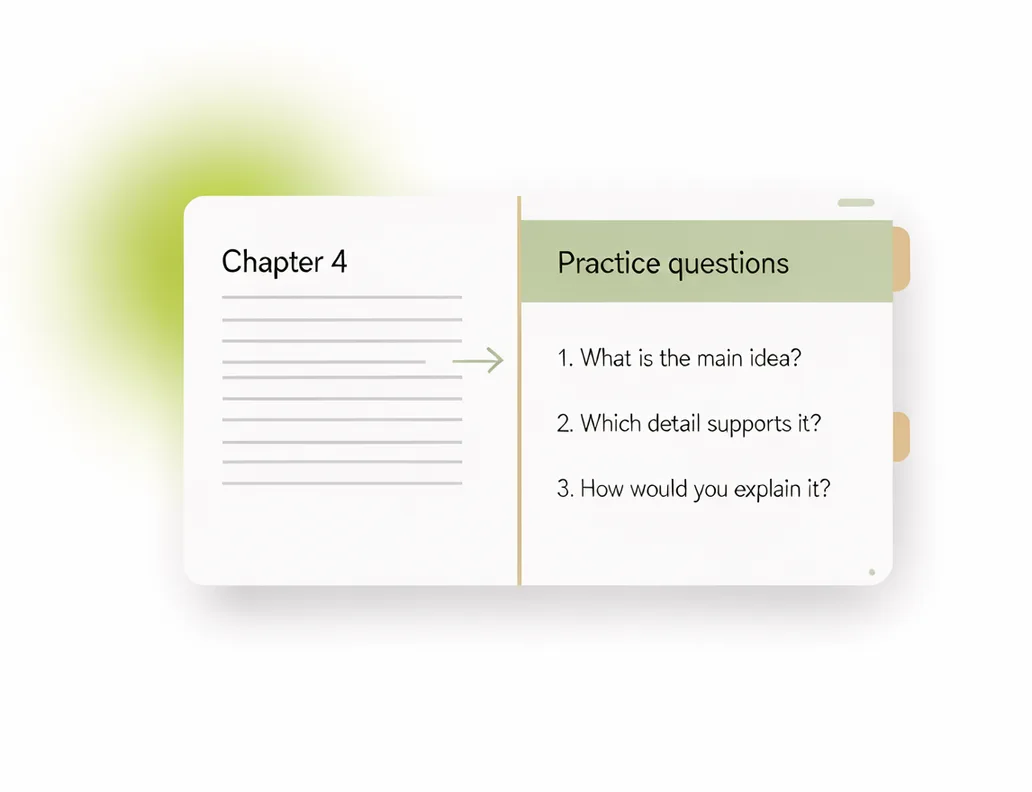
From your chapter to practice questions

From your chapter to practice questions

Upload a PDF or paste the text. The questions come only from that document, so they are not a list for any board or exam.

Sorted by type and topic

Sorted by type and topic

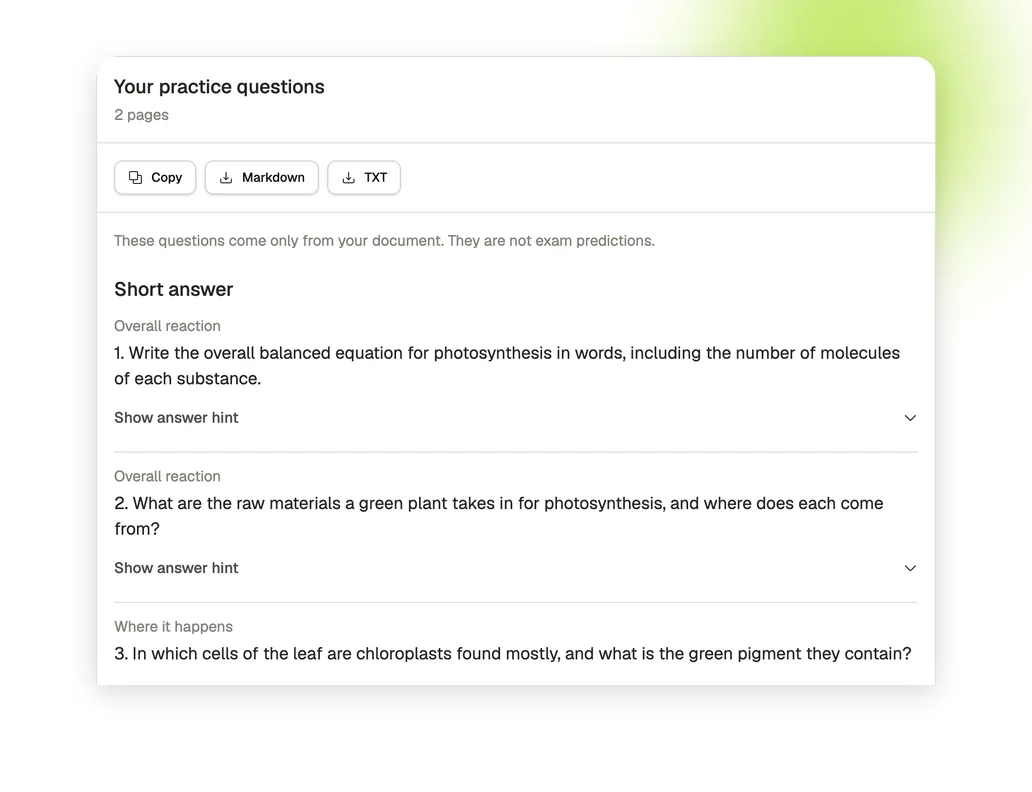
Questions are grouped as short answer, long answer or multiple choice. Each one names its topic and has a hint you can open when you are stuck.

Keep going in Gistr

Keep going in Gistr

Sign up free to open the file in Gistr, ask questions about it and make a quiz or flashcards from it.

How to make practice questions from a PDF

1. Add your PDF or text

Upload a PDF with selectable text, or paste the text in the box above.

2. Get your questions

Press the arrow and wait for the questions. A long file can take a minute or two.

3. Practise, copy or download

Try each question, open its hint if you need it, then copy the list or download it.

What the tool does

PDF or pasted text

Upload a PDF of up to 10 MB and 30 pages, or paste the text.

Three question types

Each question is marked as short answer, long answer or multiple choice, with its topic and a hint.

No sign-up

You do not need an account to make, copy or download questions.

Copy or download

Copy all the questions in one click, or save them as a Markdown or TXT file.

Same file, same questions

The same file uploaded again returns the cached result for up to 30 days.

Text-based PDFs only

Scanned PDFs are not supported. The PDF needs text you can select.

Practise from more than one chapter

Gistr helps you learn, research and teach any topic.
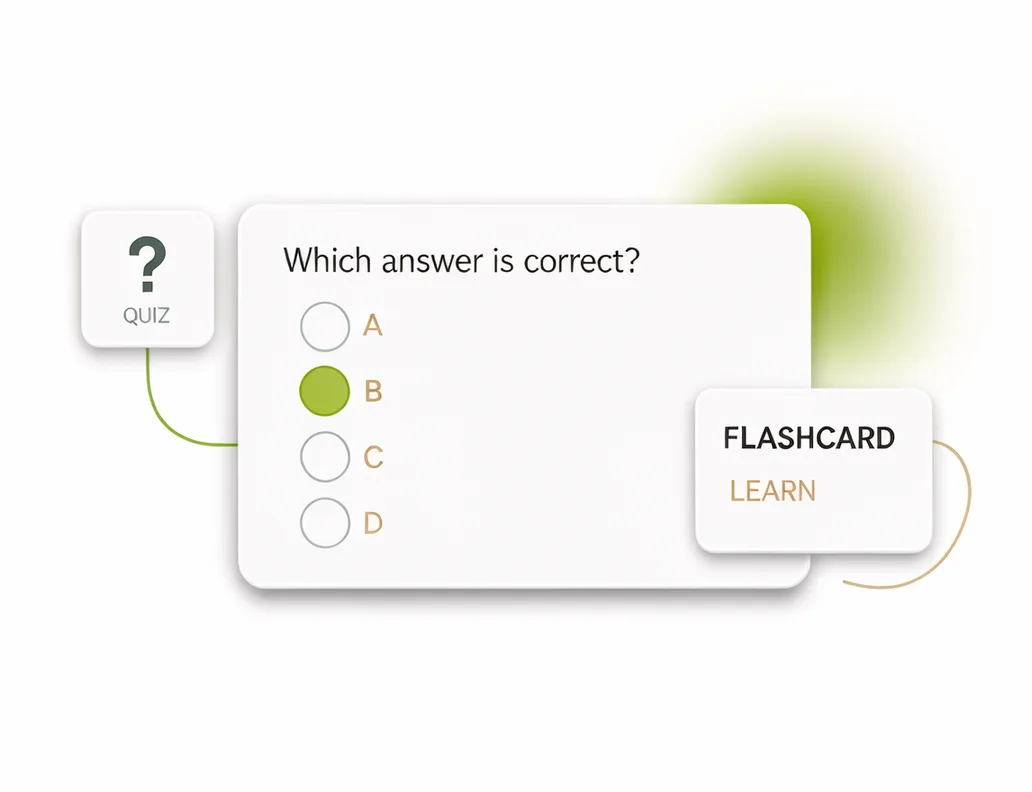
Add your PDFs, videos and web pages to Gistr to get notes, ask questions about them, and make flashcards and quizzes to test yourself.

Who uses important questions

Students

Get practice questions from your own class notes.

Teachers

Build a question set from a textbook chapter.

Researchers

Make a quick self-test from a paper you are reading.

Frequently asked questions

No. Questions come only from the document you upload. They are not exam predictions, and the tool does not know what an examiner will set.

No. This tool does not supply past papers or previous year questions. It writes practice questions from the document you upload.

The tool has no ready-made lists for a board, class or subject. Upload the chapter you want to practise and the questions come from that chapter.

Upload the PDF at the top of this page, or paste its text, and press the arrow. Copy the questions or download them when they are ready.

This tool can use about 31,000 characters of English, or 8,000 of Hindi. A longer document is shortened to fit, so parts are left out, and the page tells you when this happens.

Yes, these tools are free to use. There is a fair-use limit so they stay available for everyone.

No sign-up is needed. You only need an account if you want to keep working on the file in Gistr.

Up to 10 MB and 30 pages. A very long document can be shortened to fit, and the page tells you when this happens. The translator takes up to 10 pages.

Scanned PDFs are not supported. Upload a PDF with selectable text.

No file is kept beyond a 30-day cache of results. The cache is keyed by a hash of the file content.

Results are cached for up to 30 days, keyed by a hash of the file content, so an identical file returns the cached result.