Short Notes from Your PDF
A long chapter and not enough time to read it again? Upload a PDF of up to 10 MB and 30 pages, or paste the text, and get short notes for revision. No sign-up. Gistr helps you learn, research and teach any topic.
A long chapter and not enough time to read it again? Upload a PDF of up to 10 MB and 30 pages, or paste the text, and get short notes for revision. No sign-up. Gistr helps you learn, research and teach any topic.
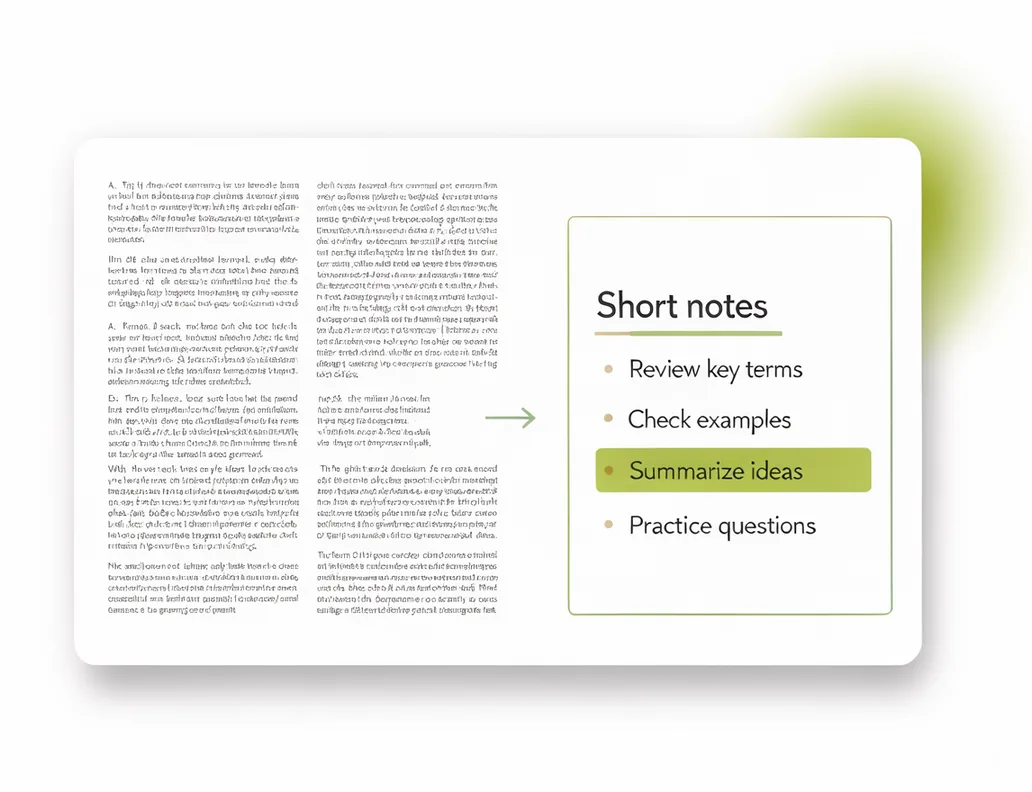
Upload a PDF or paste the text. You get the main points as short notes to revise from.
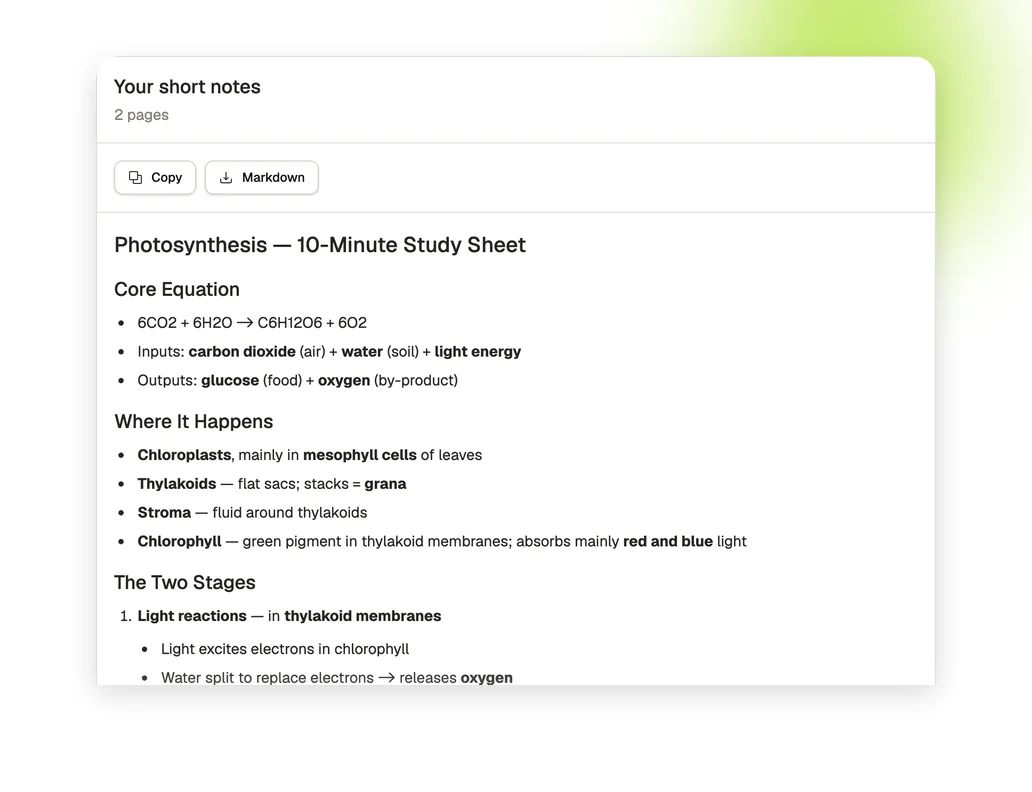
Copy the notes in one click or download them as a Markdown file.
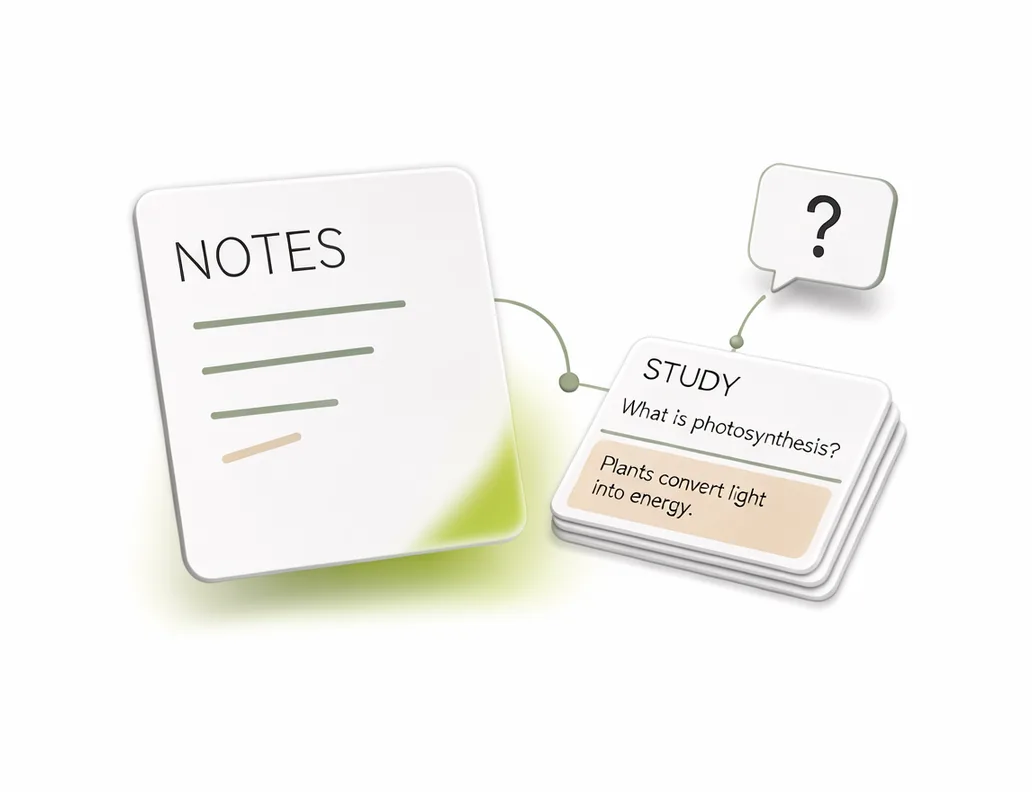
Sign up free to open the file in Gistr, ask questions about it and quiz yourself on it.
Upload a PDF with selectable text, or paste the text in the box above.
Press the arrow and wait for the notes. A long file can take a minute or two.
Copy the notes or download them as a Markdown file.
Accepts PDFs of up to 10 MB and 30 pages.
No PDF? Paste the text instead.
You do not need an account to make, copy or download notes.
Copy the notes in one click, or save them as a Markdown file.
The same file uploaded again returns the cached result for up to 30 days.
Scanned PDFs are not supported. The PDF needs text you can select.
Gistr helps you learn, research and teach any topic.
Add your PDFs, videos and web pages to Gistr to get notes, ask questions about them, and make flashcards and quizzes to test yourself.
Make short notes from a chapter the week before an exam.
Turn a long reading into a short summary for a class.
Skim a paper before you decide whether to read it in full.
