Image to Text

Notes or a textbook page stuck in a photo, and no time to type them out? Upload one photo of a page, whiteboard or notes and get text you can edit. Handwriting works less well than print. No sign-up. Gistr helps you learn, research and teach any topic.
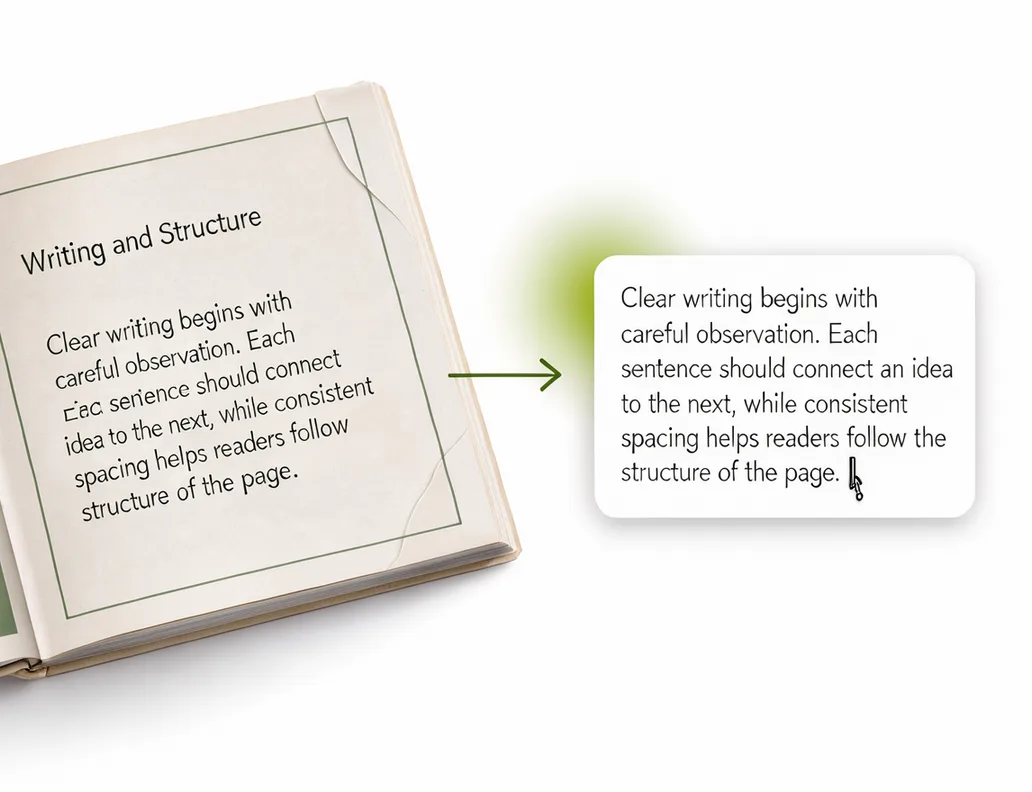
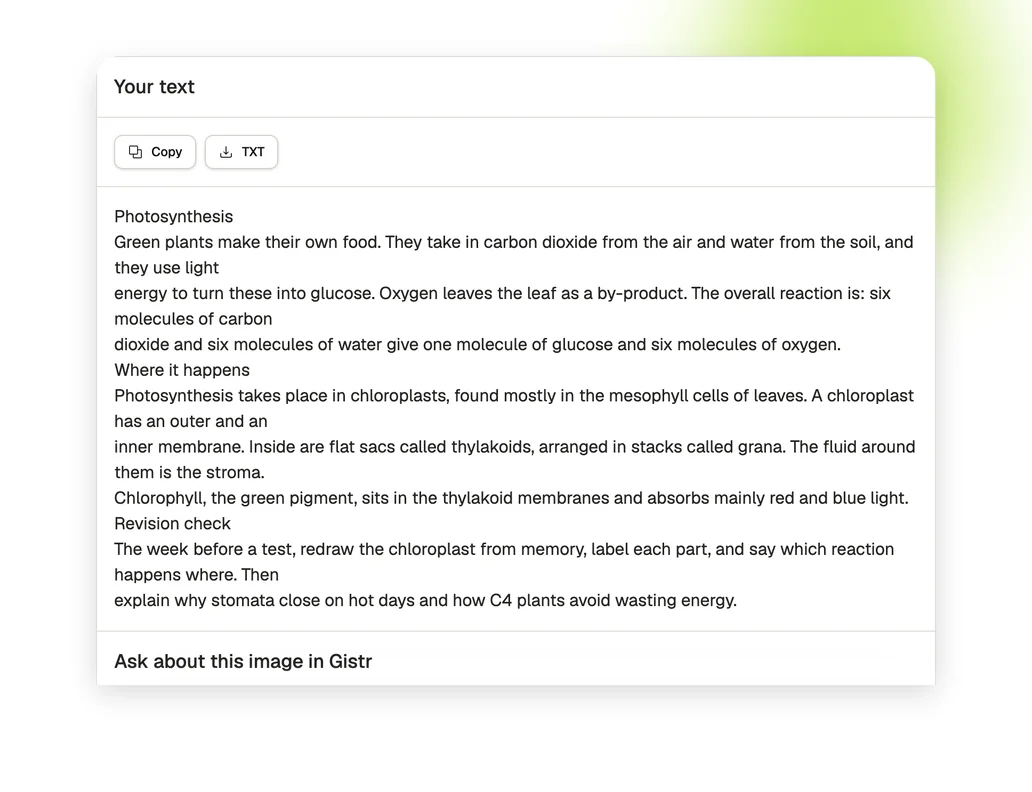
Add a photo of a textbook page, whiteboard or notes. JPEG, PNG or WebP, up to 5 MB and 50 megapixels.

Get the words out of your photos

From a photo to text you can edit

From a photo to text you can edit

Upload a photo of a textbook page, whiteboard or notes. You get the words as plain text.

Keep it where you study

Keep it where you study

Copy the text in one click or download it as a TXT file.

Keep going in Gistr

Keep going in Gistr

Sign up free to open the image in a Gistr chat, ask about it, make notes from it and quiz yourself.

How to convert an image to text

1. Add your image

Upload or drag in one JPEG, PNG or WebP image of up to 5 MB and 50 megapixels.

2. Get the text

Press the arrow and wait for the text to appear.

3. Check, then copy or download

Check the text against your photo, then copy it or download it as a TXT file.

What the tool does

Images up to 5 MB

Accepts one JPEG, PNG or WebP image of up to 5 MB and 50 megapixels.

No sign-up

You do not need an account to get, copy or download the text.

Copy or download

Copy the text in one click, or save it as a TXT file.

Print works best

Handwriting works less well than print. Handwriting results depend on how clear the photo is.

Plain text

The result is plain text, so formatting such as bold, colours and table borders is not kept.

Same image, same text

The same image uploaded again returns the cached result for up to 30 days.

Study from what you photographed

Gistr helps you learn, research and teach any topic.
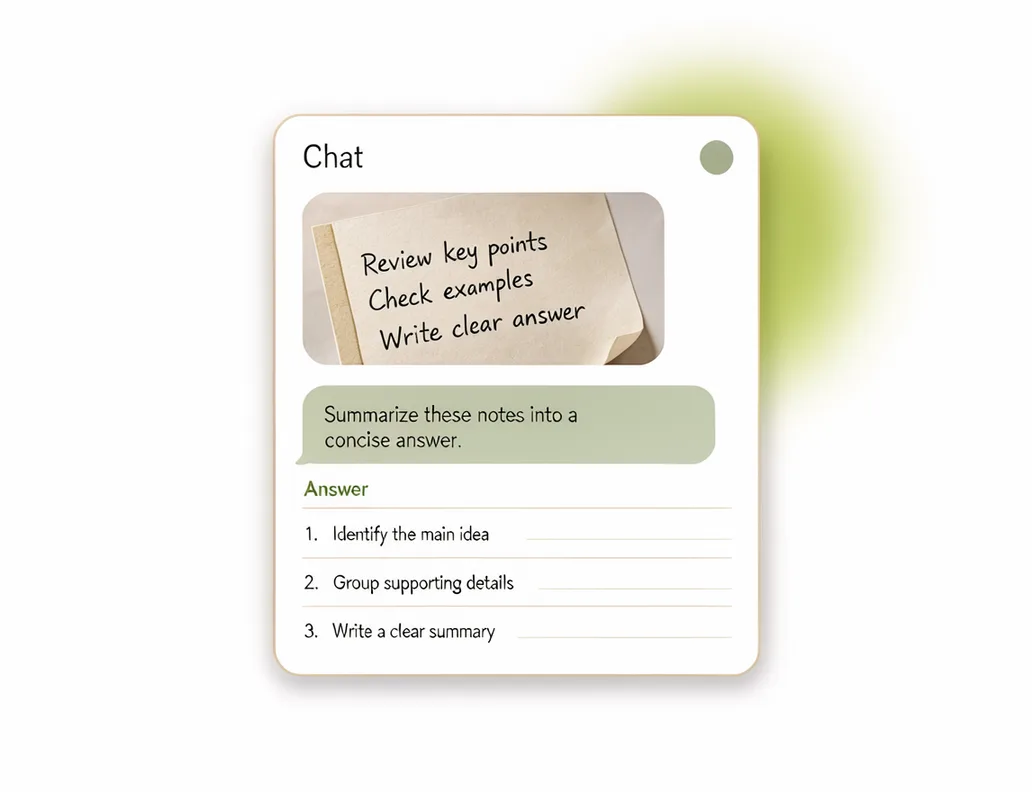
Add your PDFs, videos and web pages to Gistr to get notes, ask questions about them, and make flashcards and quizzes to test yourself.

Who uses image to text

Students

Photograph handwritten class notes or a whiteboard and copy the text into a revision document.

Teachers

Turn a photo of a handwritten worksheet into text you can edit.

Researchers

Copy a passage from a photo of a printed page or a book.

Frequently asked questions

Upload the image at the top of this page and press the arrow. Copy the text or download it as a TXT file when it is ready.

It can, but handwriting works less well than print, and results depend on how clear the photo is. Check the text against your photo before you use it.

Use a clear, straight photo in good light, with the text filling as much of the image as you can.

JPEG, PNG and WebP, one image at a time, up to 50 megapixels.

Yes, these tools are free to use. There is a fair-use limit so they stay available for everyone.

No sign-up is needed. You only need an account if you want to keep working on the file in Gistr.

Up to 5 MB.

No file is kept beyond a 30-day cache of results. The cache is keyed by a hash of the file content.

Results are cached for up to 30 days, keyed by a hash of the file content, so an identical file returns the cached result.