PDF to PPT

Need slides from a long PDF and short on time? Upload a text-based PDF of up to 10 MB and 30 pages, and get a new, plain PowerPoint deck of up to 15 slides, made from its text. This is not a page-by-page conversion: images and layout are not kept. Scanned PDFs are not supported. No sign-up. Gistr helps you learn, research and teach any topic.
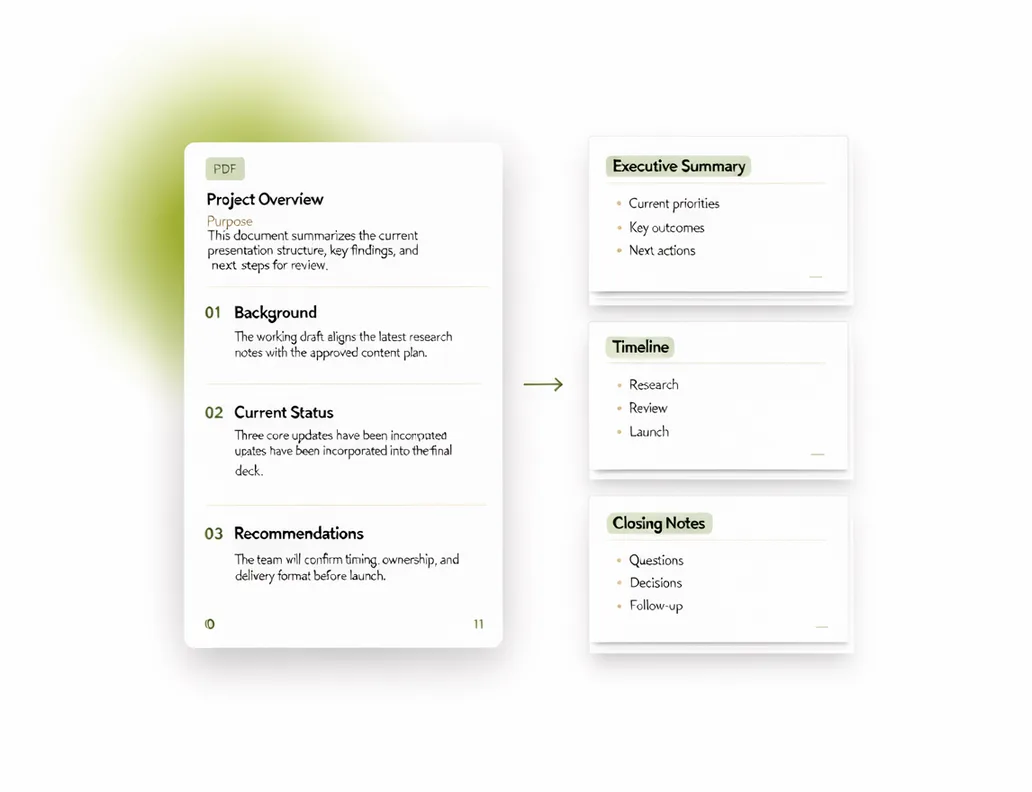
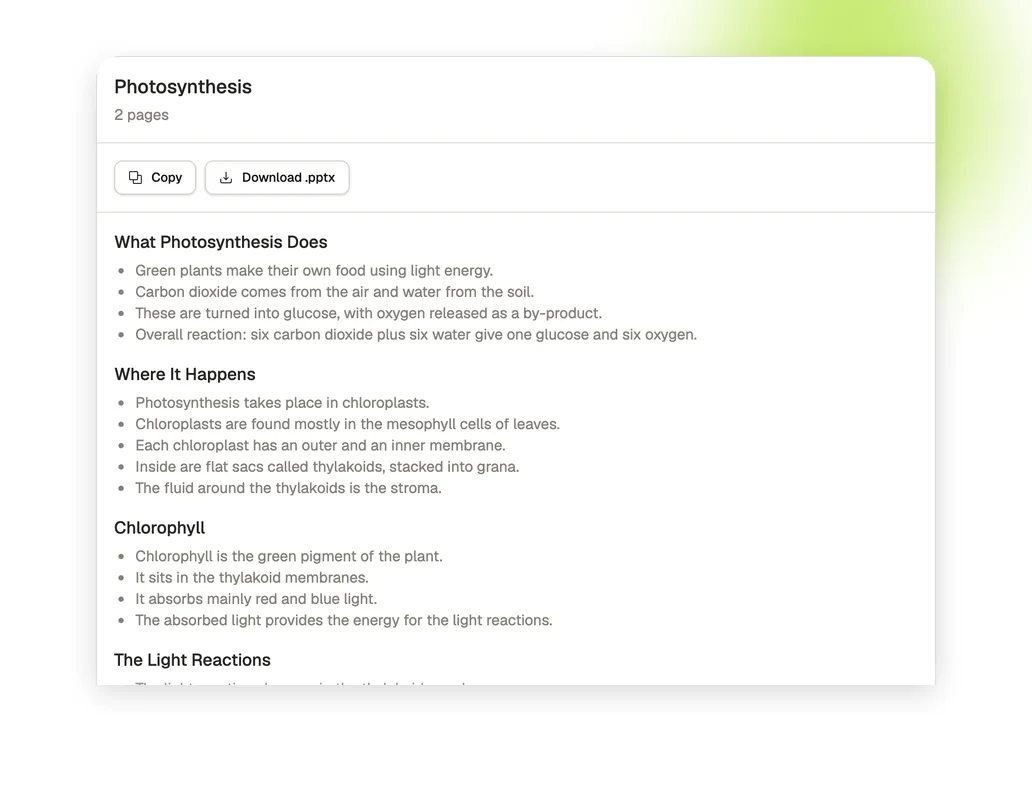
Upload a PDF with selectable text. You get a new, plain deck of up to 15 slides from its text. Images and layout are not kept.

A plain deck to start from

A new deck from the PDF text

A new deck from the PDF text

You get up to 15 slides: a cover, then titles with bullet points. Images and layout are not kept.

Download it and edit it

Download it and edit it

Download the .pptx and add your own design and images, or copy the outline as text.

Ask for a designed deck in Gistr

Ask for a designed deck in Gistr

Sign up free to open the PDF in a Gistr chat and ask for a designed presentation. Whether the chat can make one depends on your plan's allowance.

How to make a PPT from a PDF

1. Add your PDF

Upload a PDF with selectable text, up to 10 MB and 30 pages.

2. Get your deck

Press the arrow and wait for the slides. A long file can take a minute or two.

3. Download or copy

Download the .pptx, or copy the outline as text.

What the tool does and does not do

PDFs up to 10 MB

Accepts PDFs of up to 10 MB and 30 pages.

A plain deck, up to 15 slides

A cover slide, then slides with a title and bullet points. The deck has no design.

Not a page-by-page conversion

The slides are written from the PDF text. Images and layout are not kept.

No sign-up

You do not need an account to make and download the deck.

Download or copy

Save the deck as a .pptx file, or copy the outline as text.

Text-based PDFs only

Scanned PDFs are not supported. The PDF needs text you can select.

Need more than a plain deck?

Gistr helps you learn, research and teach any topic.
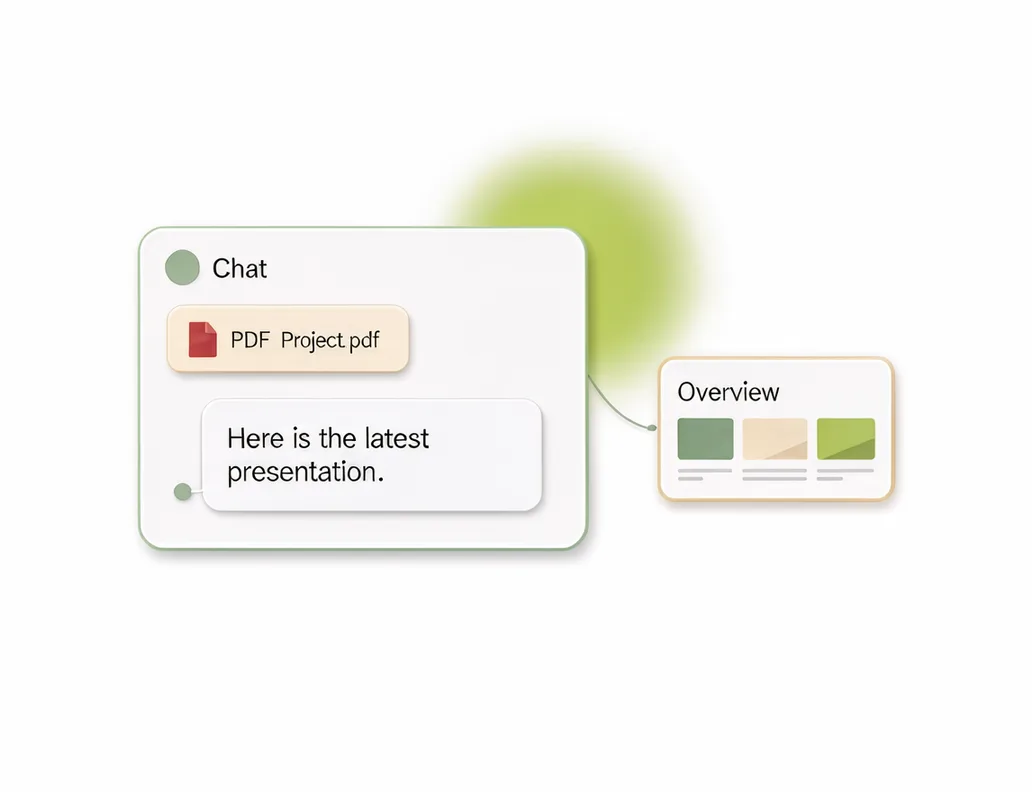
Add your PDFs, videos and web pages to Gistr to get notes, ask questions about them, and make flashcards and quizzes to test yourself. You can also ask the chat for a designed presentation, which uses your plan's allowance.

Who uses PDF to PPT

Teachers

Turn a PDF handout into a first set of slides for a class, then add your own images.

Students

Start a seminar presentation from a paper or report.

Researchers

Draft slides for a lab meeting from a paper, then add the figures yourself.

Frequently asked questions

No. It reads the text in your PDF and writes a new, plain deck of up to 15 slides. Images and layout are not kept. If you need the pages to look the same as the PDF, use a converter instead.

No. The slides are a short outline written by AI from the PDF text, so details can be left out. Read the slides before you present them.

This tool can use about 31,000 characters of English, or 8,000 of Hindi. A longer document is shortened to fit, so parts are left out, and the page tells you when this happens.

Yes. The download is a .pptx file with a cover slide, then slides with a title and bullet points. You can edit it in PowerPoint.

Not from this tool. Sign up free to open the PDF in a Gistr chat, then ask for a designed presentation. Whether the chat can make one depends on your plan's allowance. If it cannot, you get a written answer.

No. This tool needs a PDF with selectable text.

Yes, these tools are free to use. There is a fair-use limit so they stay available for everyone.

No sign-up is needed. You only need an account if you want to keep working on the file in Gistr.

Up to 10 MB and 30 pages. A very long document can be shortened to fit, and the page tells you when this happens. The translator takes up to 10 pages.

Scanned PDFs are not supported. Upload a PDF with selectable text.

No file is kept beyond a 30-day cache of results. The cache is keyed by a hash of the file content.

Results are cached for up to 30 days, keyed by a hash of the file content, so an identical file returns the cached result.