Step 1
Ask and research
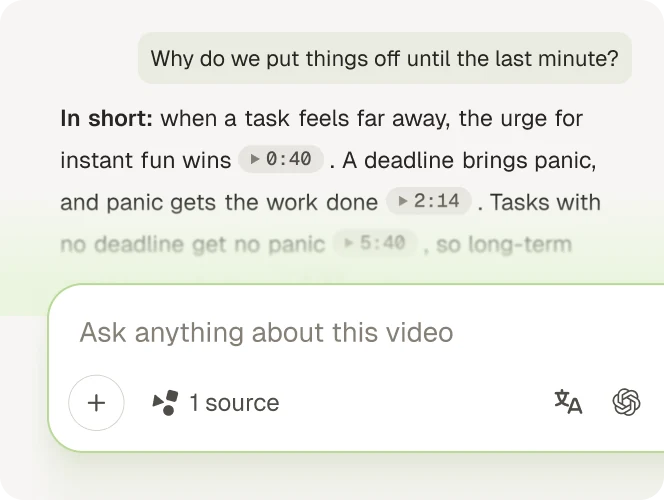
Ask anything or run deep research. Every answer links to its source.
Upload an audio file and get the transcript, with timestamps.
Free, no sign-up.
Or try one of these
Three steps, no account needed.
Upload an audio file of up to 10 minutes, or try one of the samples.
Gistr turns the speech into text with timestamps.
Turn timestamps on or off, then copy the transcript or download it as a file.
Understand any topic in depth, turn it into something you can share, and build your knowledge library.
Step 1
Ask anything or run deep research. Every answer links to its source.
Step 2
Turn it into presentations, carousels, documents or infographics.

Step 3
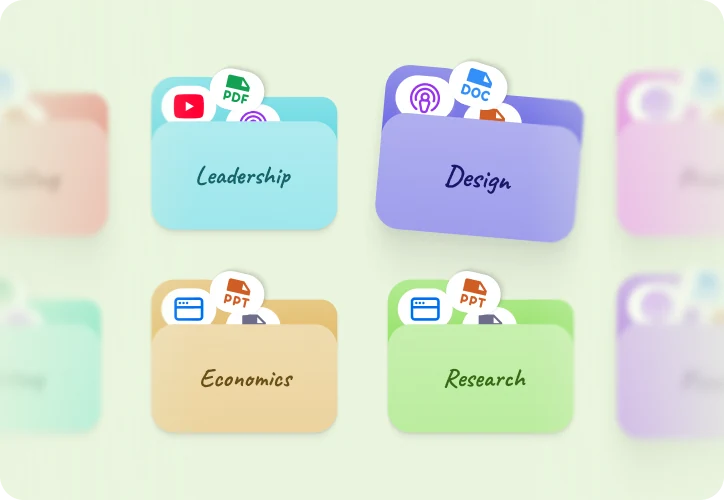
Keep it with your articles, papers and videos in one library.
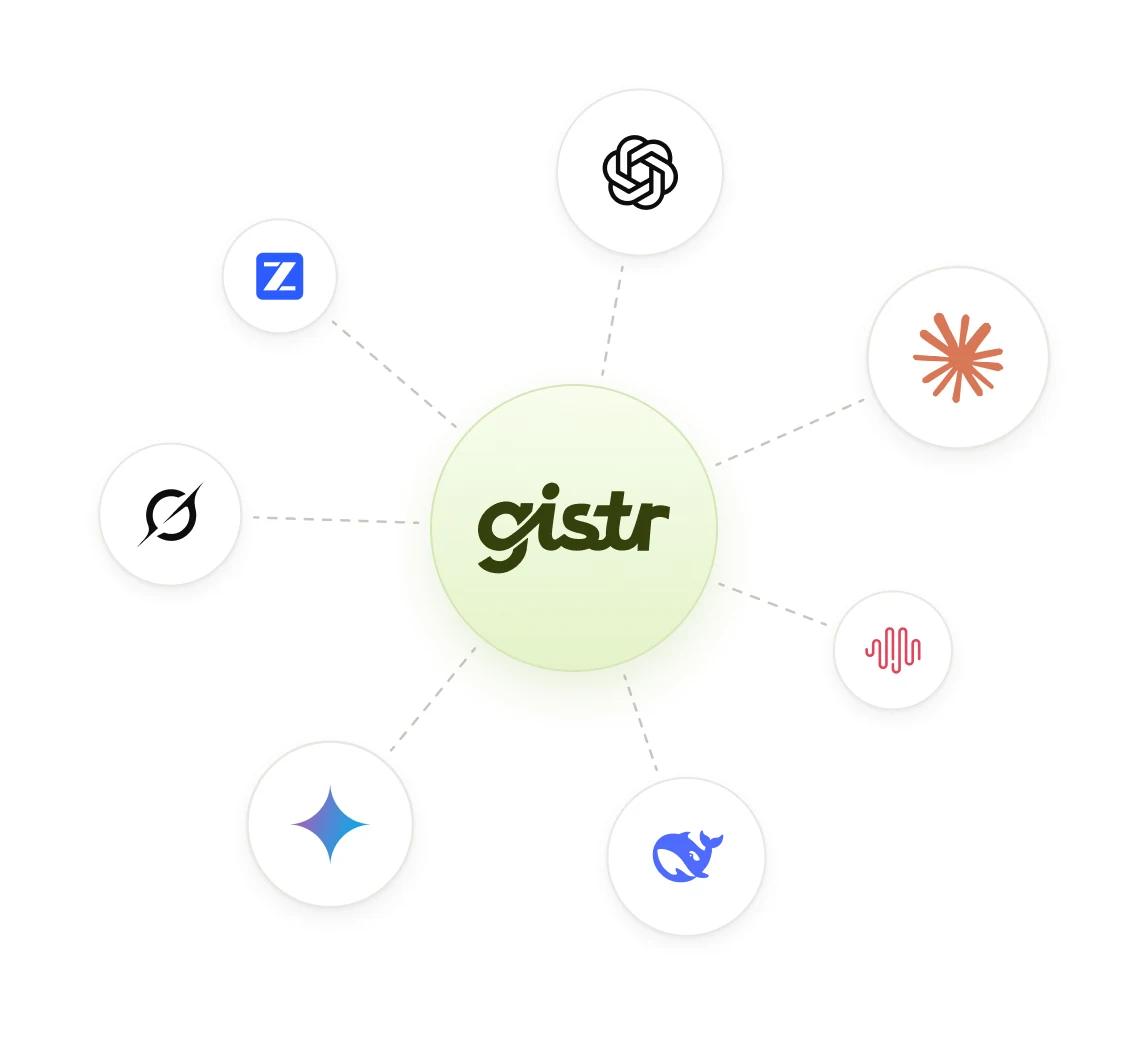
Go deep with a frontier model, or get quick answers from a fast one.
Change the model right from the chat to compare answers or try a new angle.
Use OpenAI, Claude, Gemini, Grok, DeepSeek and more without paying for each.
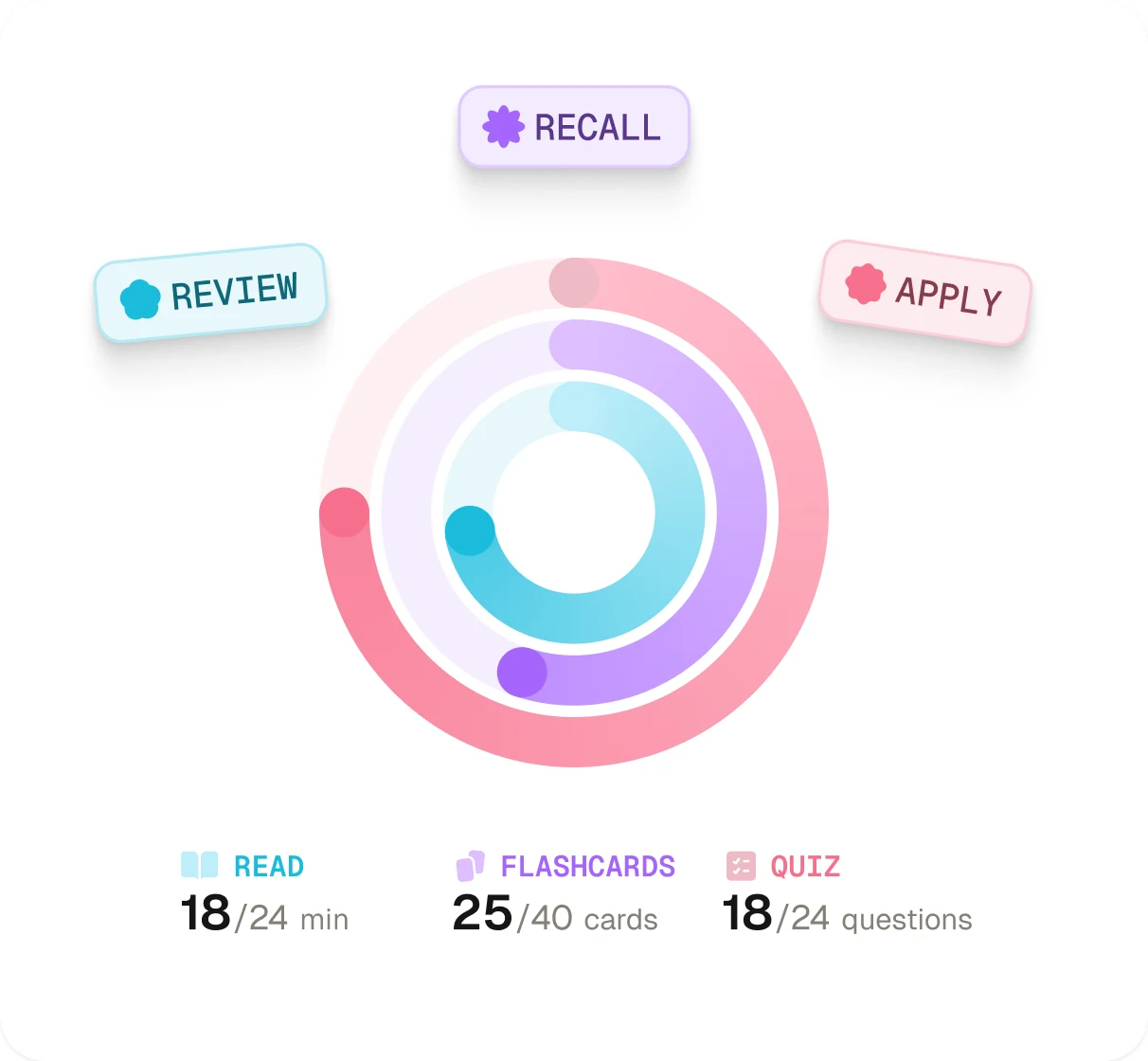
Gistr picks what to review each day, so key ideas stay fresh.
Test yourself on the ideas you want to master.
Reviews come back just before you forget, so you keep what you learned.
Quick answers on files, limits and downloading your transcript.
Drop your audio file into the box at the top of this page, or browse for it. The audio to text tool starts at once and shows a transcript with timestamps. Copy it, or download it as a TXT, SRT or VTT file.
Yes, for files of up to 10 minutes and 25 MB, with no account. There is a limit per visitor, shared across the free tools. If you reach it, the page tells you how long to wait.
No. You can upload a file, then copy or download the transcript without signing up. You need a free account to ask about the audio, make notes or save it to your library.
MP3, M4A, WAV, OGG and WebM. Gistr checks the file itself, so renaming a file does not change its type.
Up to 10 minutes. Over that, the page offers a free account. A free account takes files of up to 10 MB, so a long recording may need compressing or a paid plan.
The file cap is 25 MB, and CD-quality WAV reaches it in about 2.4 minutes. Save the recording as MP3 or M4A. Ten minutes of MP3 fits under the cap.
An AI speech model writes it, so clear speech gives the best results. Names and technical terms can come out wrong, and filler sounds may be left out. The transcript does not label who is speaking.
The speech model detects the spoken language on its own, so you do not need to choose one. To read a transcript in another language, sign up free and select Translate.
A 10 minute file can take a minute or two. Keep the page open until your transcript shows.
Gistr holds the file in memory during the run and does not save the file itself. The audio goes to a third-party transcription provider, whose own data policy applies. Gistr keeps the transcript for up to 30 days, matched to a fingerprint of the file, so the same file gets the same result faster.
Gistr is an AI knowledge companion that turns YouTube videos, podcasts, articles and PDFs into knowledge you keep. Ask questions and get answers that cite the exact source, make notes, slides and flashcards, and keep everything in one searchable library.
Get text and notes from your other audio, podcasts and videos.