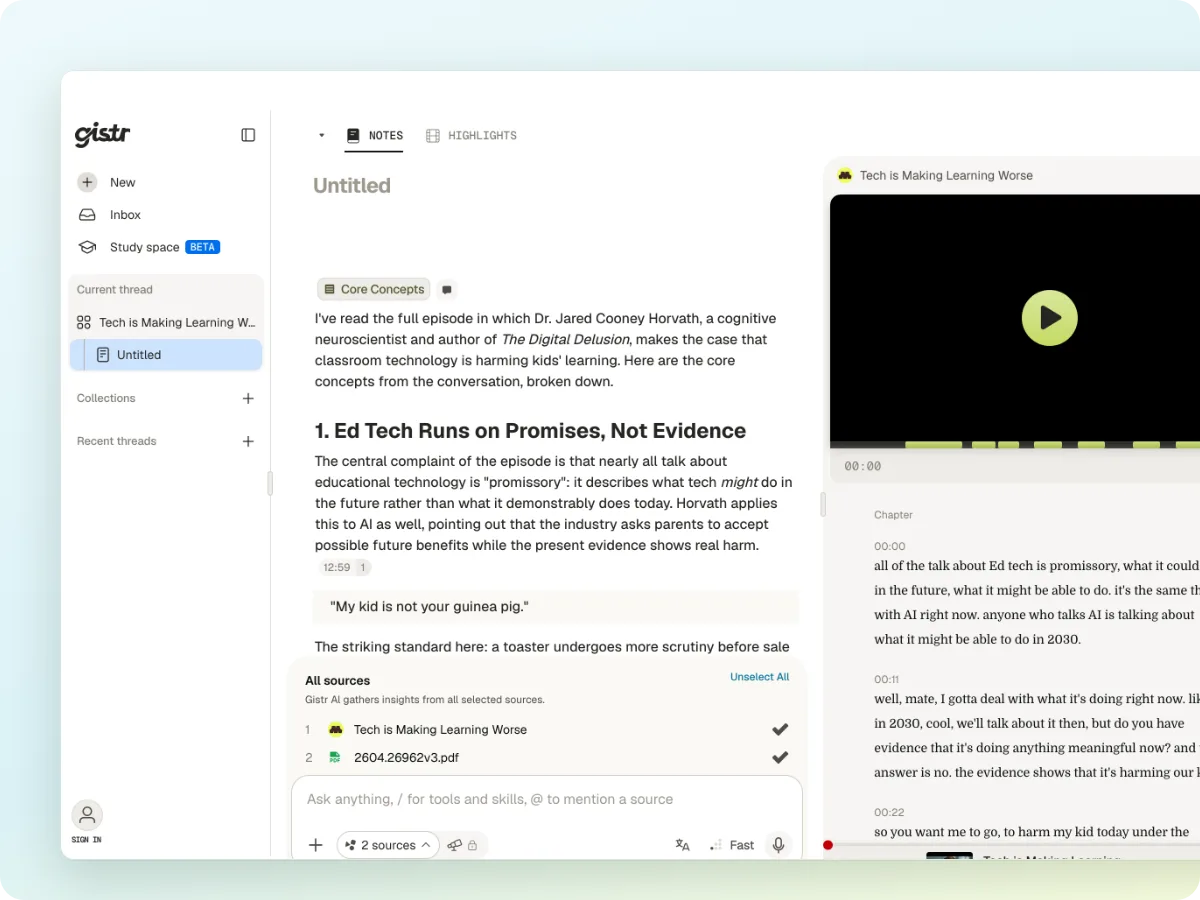
A NotebookLM alternative for videos, PDFs and podcasts

Gistr keeps every source you learn from in one library. Make notes with clickable timestamps, ask questions across all of it, and study with flashcards and quizzes.

Why people pick Gistr

One library for every course

Save a lecture once and it is there for every course and project that needs it.

Jump back to the moment

Notes on a video link to the exact point it was said, so review takes seconds.

Save in one click

Save a video, article or PDF from the Chrome extension or the Android and iOS apps.
What you get with Gistr

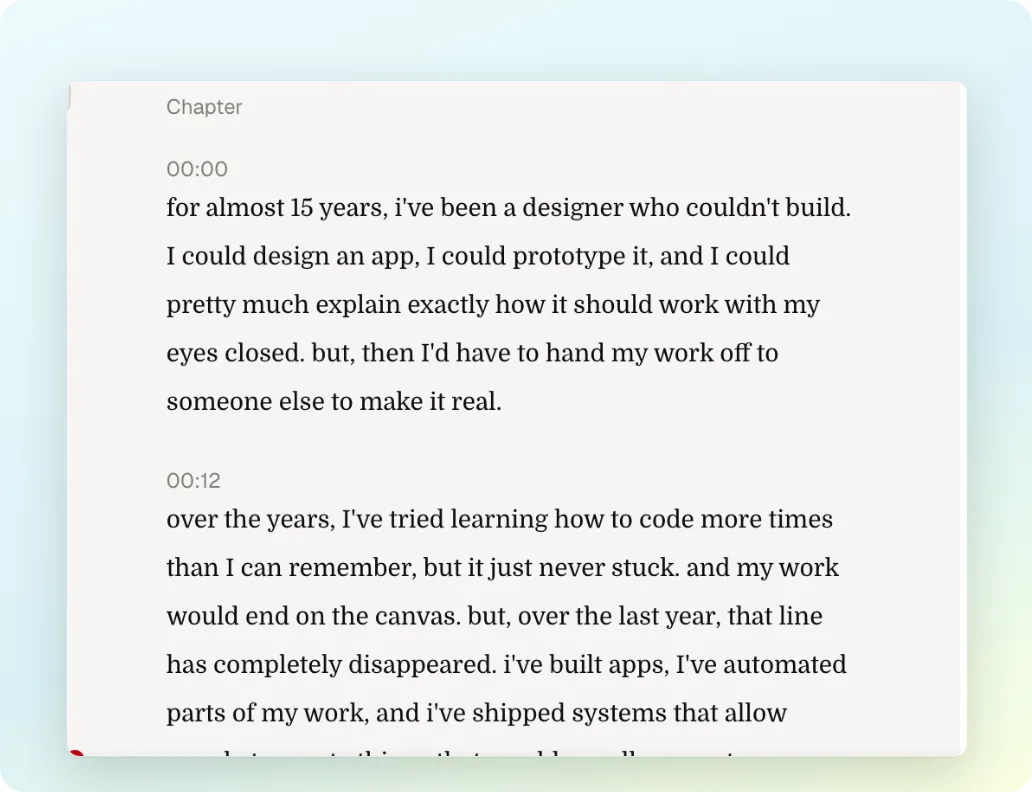
One library for every source

One library for every source

YouTube videos, podcast episodes, PDFs, Word and PowerPoint files, EPUBs, web pages and audio sit together. Group them into collections and search all of it.
Notes with clickable timestamps

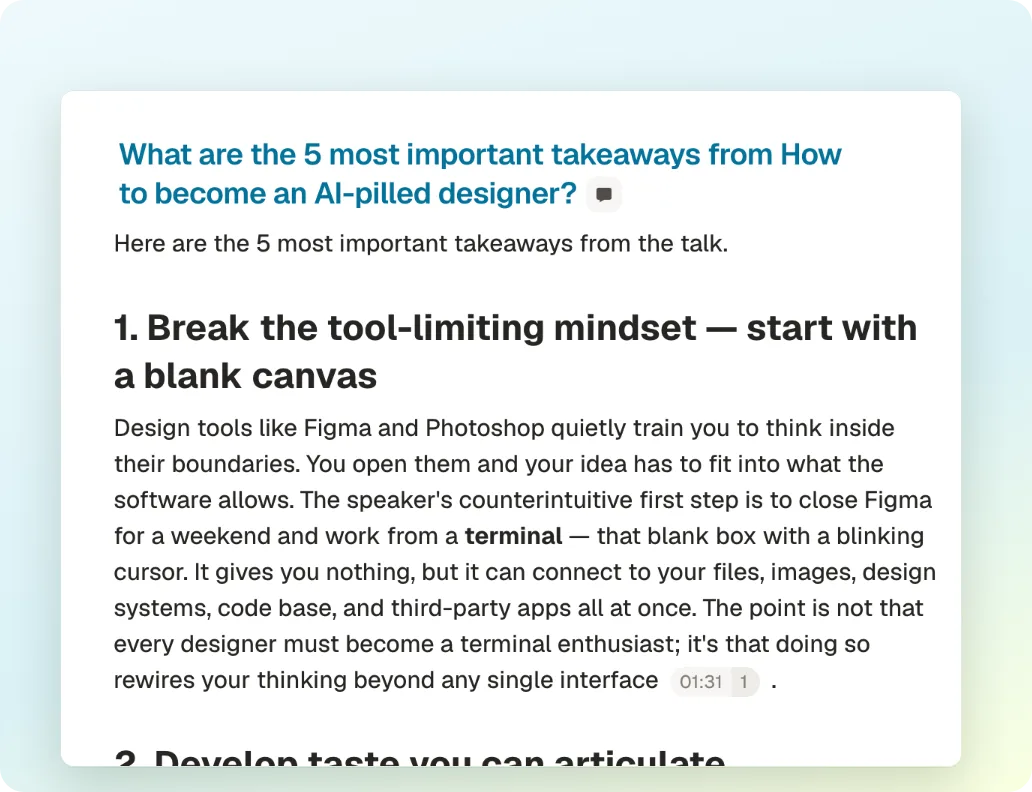
Notes with clickable timestamps

Notes on a video or podcast cite the exact moment. Click a timestamp to play the source from that point.
Ask across your library

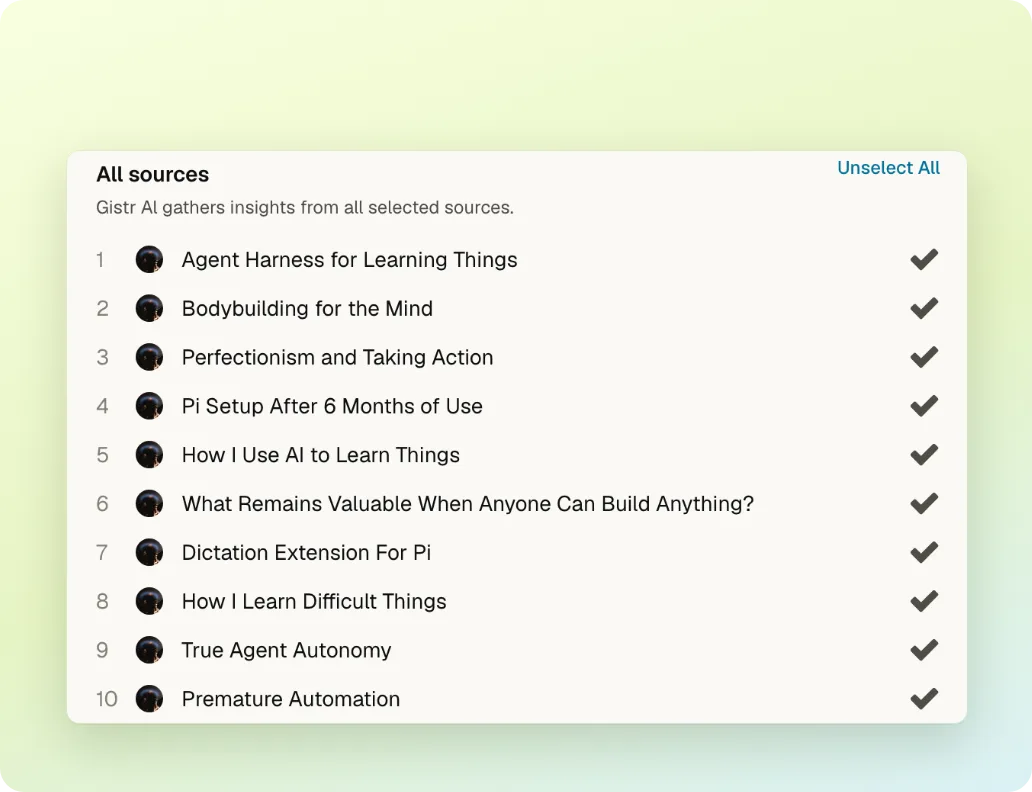
Ask across your library

Ask a question and get an answer from what you saved, with citations back to the source.

Gistr and NotebookLM side by side

Library

NotebookLM: a focused notebook for each project. Gistr: one library for all your sources, grouped into collections.

Video and podcast notes

NotebookLM: answers grounded in each source's text. Gistr: notes that link to the exact moment in the video or episode.

Capture

NotebookLM: add Google Docs, Slides, links and files. Gistr: save from the Chrome extension and the Android and iOS apps.

AI assistants

NotebookLM: built on Google Gemini, with Audio Overviews. Gistr: connect your library to ChatGPT and Claude.

Frequently asked questions

It depends on how you learn. If most of your sources are YouTube videos, podcasts and PDFs, and you want them in one library with timestamped notes, flashcards and quizzes, Gistr is built for that.

Yes. Gistr has a free plan with AI credits every month. Paid plans add more credits and larger sources. See the pricing page for details.

Yes. Paste a YouTube link or save it with the Chrome extension. Gistr reads the full transcript and makes notes that link to the exact moment in the video.

Yes. Turn any source or set of notes into flashcards and quizzes, then review them in the browser or in the Android and iOS apps.

Yes. Many people keep NotebookLM for its audio overviews and use Gistr as the library where they save, annotate and study their sources.

Yes. Connect Gistr to ChatGPT or Claude once. The assistant can then search and read your sources and notes, and save new notes back to Gistr.

Bring every source into one notebook

Gistr helps you learn, research and teach any topic.