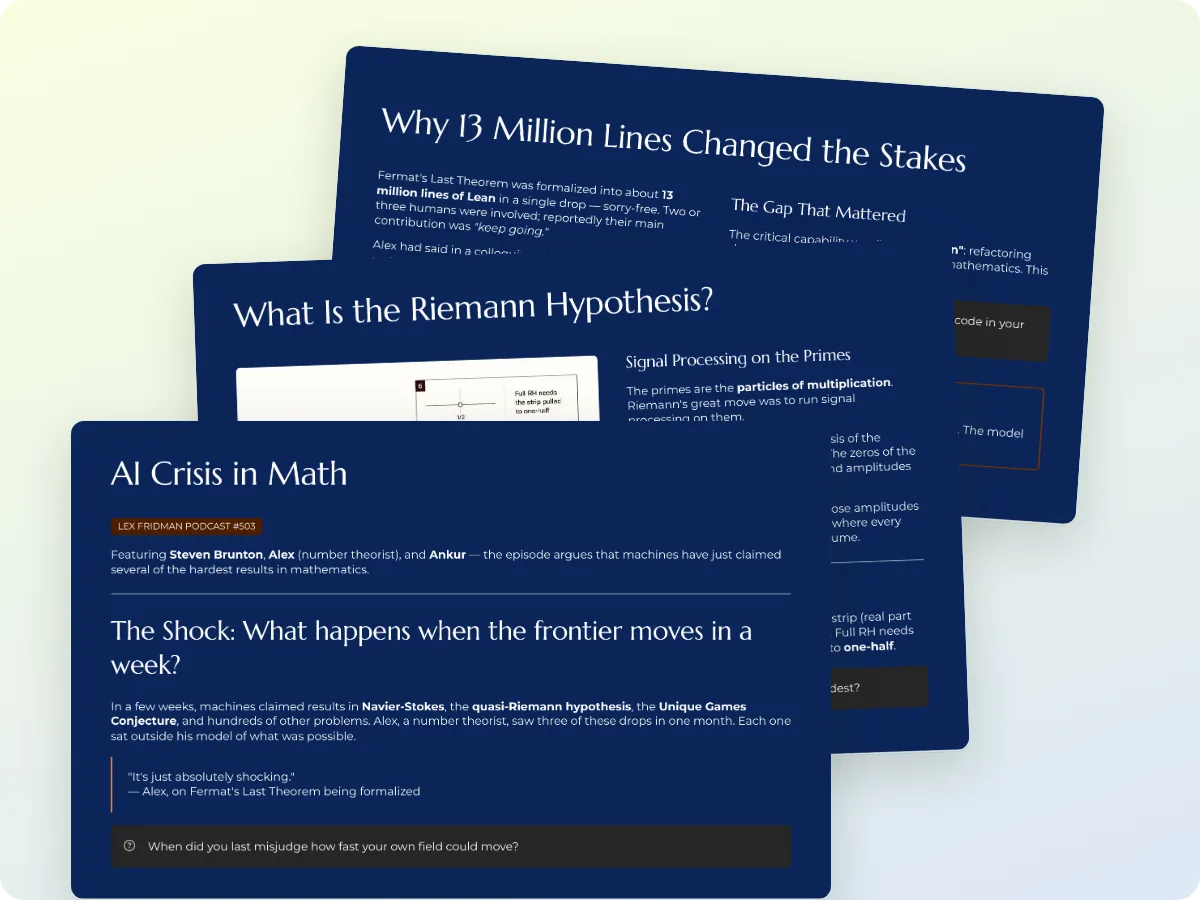
Make a PPT with ChatGPT or Claude from your own sources
Ask in the chat. Gistr builds the presentation from the videos, PDFs and articles in your notebook and gives you a PPTX or PDF to download.
MCP URLhttps://ai.gistr.so/mcp
Ask in the chat. Gistr builds the presentation from the videos, PDFs and articles in your notebook and gives you a PPTX or PDF to download.
Ask a chatbot for a presentation and you often get an outline to copy into slides yourself, one box at a time.
Slides written from memory can be wrong. A class or client deck needs to come from the lecture, paper or report you trust.
The deck you made lives in one conversation. Next week you cannot find it, update it or reuse it for a new talk.
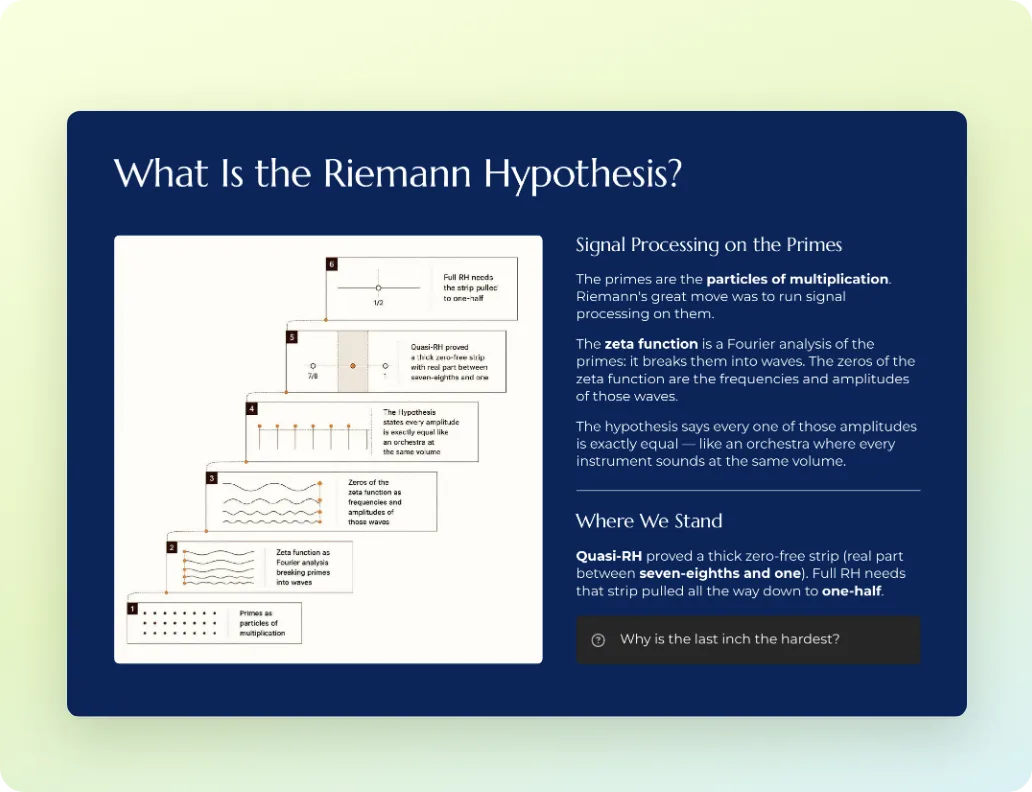
Point the assistant at a Gistr thread. The presentation is built from its videos, PDFs and articles, so every slide traces back to a source.
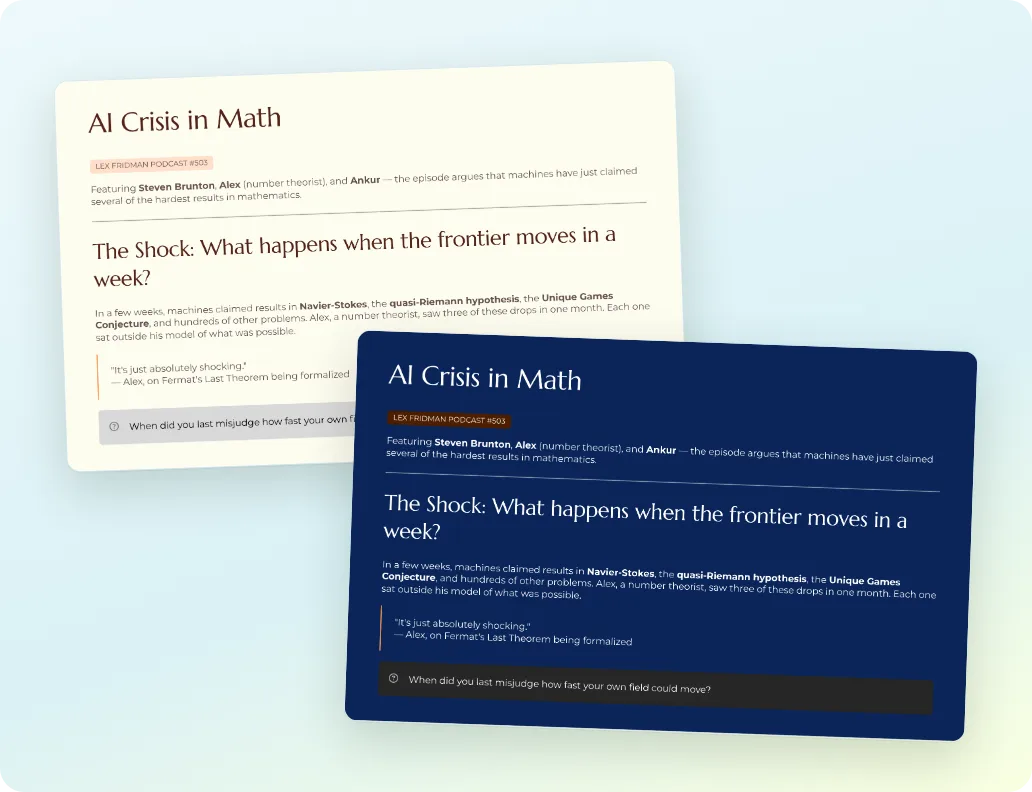
Ask the assistant to list the themes and choose one that fits your class, pitch or report. No layout work on your side.
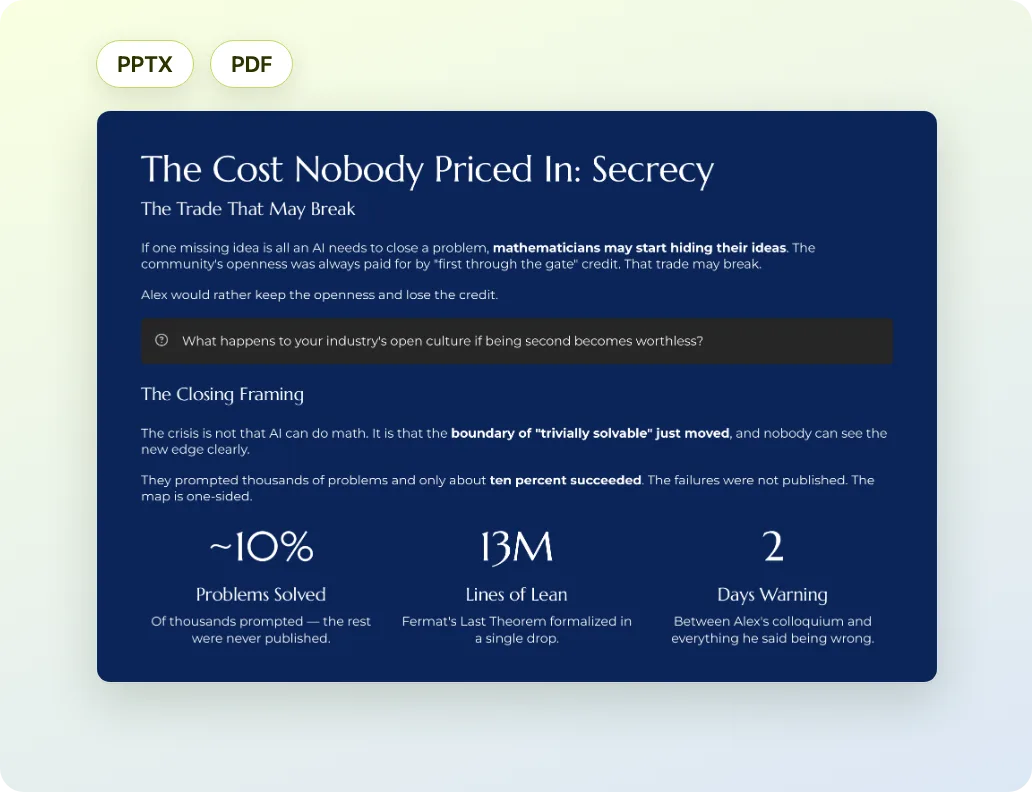
Get a PowerPoint file to edit in PowerPoint, Keynote or Google Slides, or a PDF to share. The same tool also makes documents and social posts.
Sign up with your email. Your notes, sources and collections live in your Gistr notebook.
In Claude, open Settings → Connectors → Add custom connector. Paste https://ai.gistr.so/mcp and select Connect.
In ChatGPT, open Settings → Apps → Advanced settings and turn on Developer mode. Create an app with https://ai.gistr.so/mcp.
Approve access with your Gistr account. Then ask in the chat, for example: "Save notes on this video to Gistr".
Step-by-step guide with screenshots: Connect AI assistants to Gistr
Gistr helps you learn, research and teach any topic.