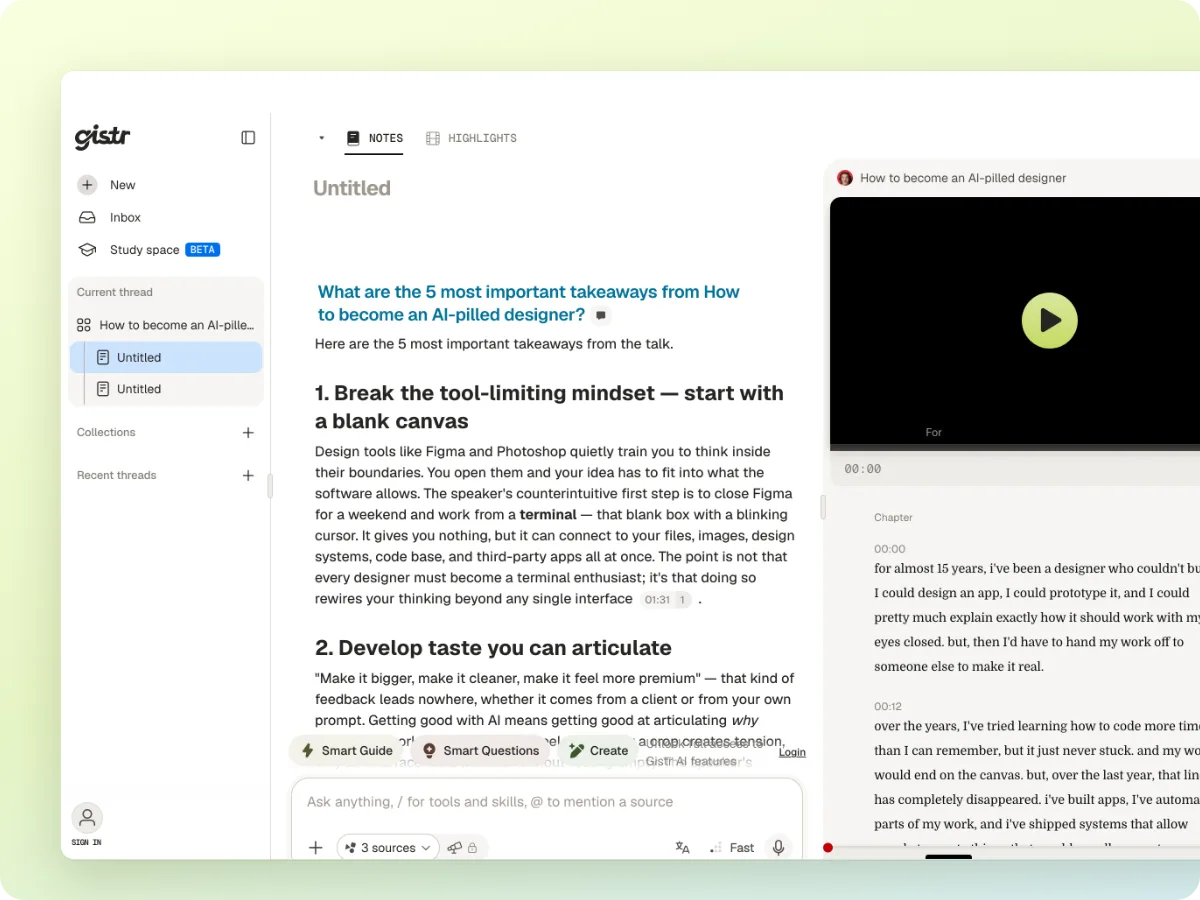
Make notes with ChatGPT or Claude. Keep them in Gistr.
Connect Gistr to your AI assistant. Ask for notes in the chat, and they save to your notebook next to the video, PDF or article they came from.
MCP URLhttps://ai.gistr.so/mcp
Connect Gistr to your AI assistant. Ask for notes in the chat, and they save to your notebook next to the video, PDF or article they came from.
The notes you asked for last week sit somewhere in a long chat history. Finding them again means scrolling and guessing.
You use ChatGPT for one thing and Claude for another. Neither one knows what you saved in the other.
A summary without the video or page it came from is hard to check, quote or revise when your exam or report comes around.
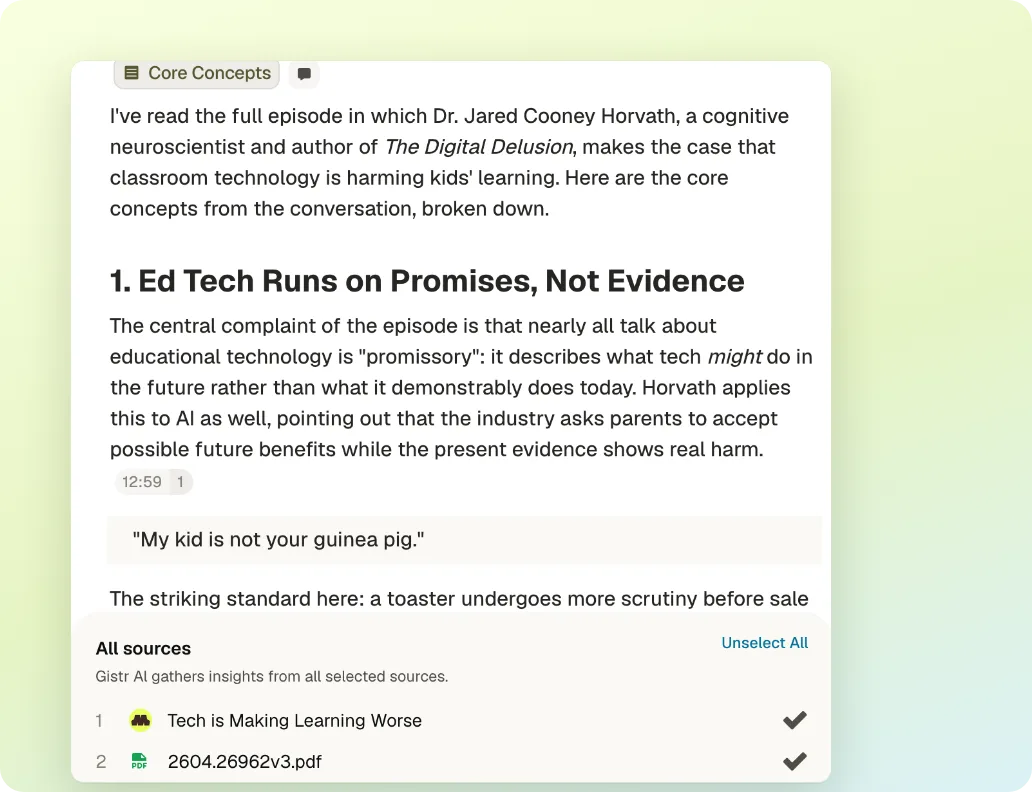
Share a YouTube link, PDF or article. The assistant reads the full transcript or text from Gistr and writes notes into a thread.
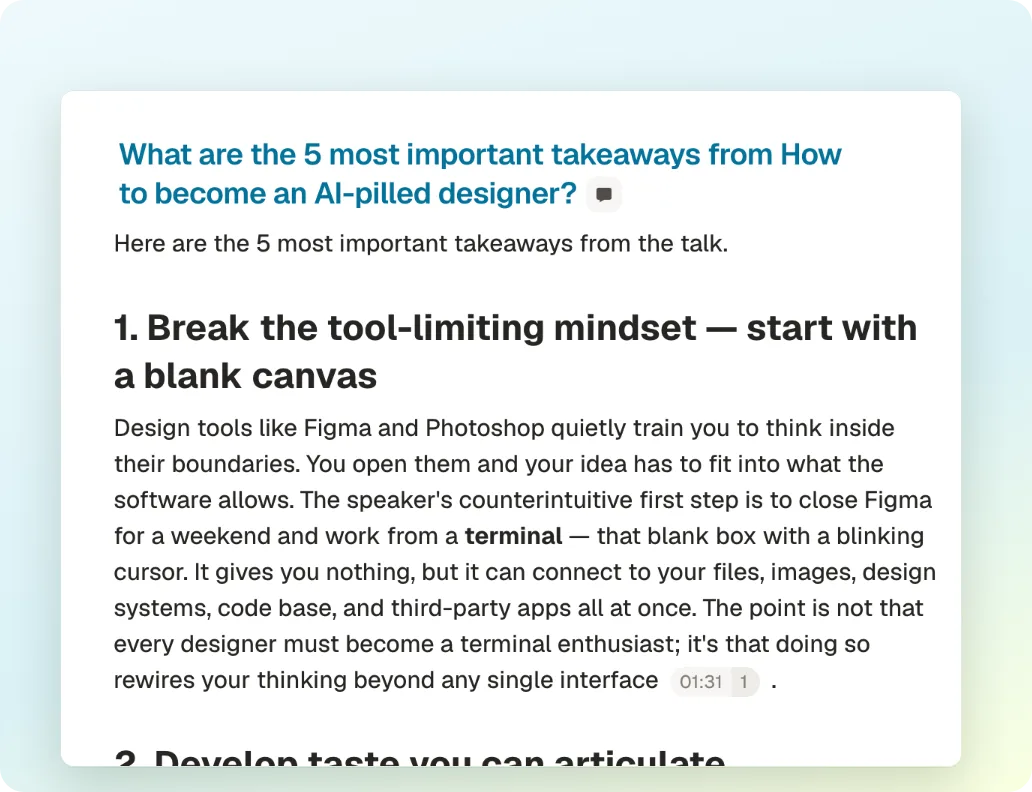
Notes on a video or podcast cite the exact moment. In Gistr, click a timestamp to play the source from that point.
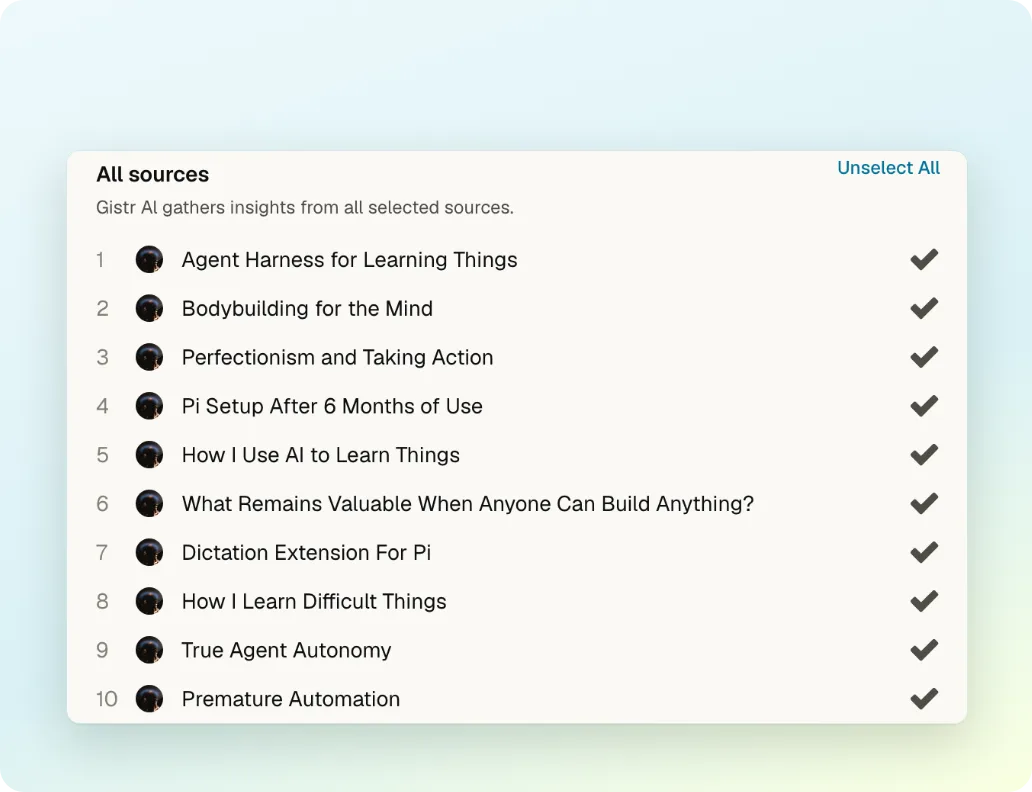
Ask "what did I save about photosynthesis?" in ChatGPT or Claude. The assistant searches your notebook and answers from your own notes.
Sign up with your email. Your notes, sources and collections live in your Gistr notebook.
In Claude, open Settings → Connectors → Add custom connector. Paste https://ai.gistr.so/mcp and select Connect.
In ChatGPT, open Settings → Apps → Advanced settings and turn on Developer mode. Create an app with https://ai.gistr.so/mcp.
Approve access with your Gistr account. Then ask in the chat, for example: "Save notes on this video to Gistr".
Step-by-step guide with screenshots: Connect AI assistants to Gistr
Gistr helps you learn, research and teach any topic.