Full disclosure first: I work on Gistr, so weigh everything below however you like. I'm going to argue that making flashcards from your own lectures and PDFs beats borrowing someone else's deck, and I happen to work on a tool that does exactly that. You've been warned.
I also think Quizlet is good. Plenty of students learned their vocabulary lists on it, and for a lot of courses it's still the fastest way to start drilling. So this isn't a hit piece. It's about one specific problem that Quizlet's model doesn't fit well, and why I'd rather study a different way.
The problem with someone else's deck
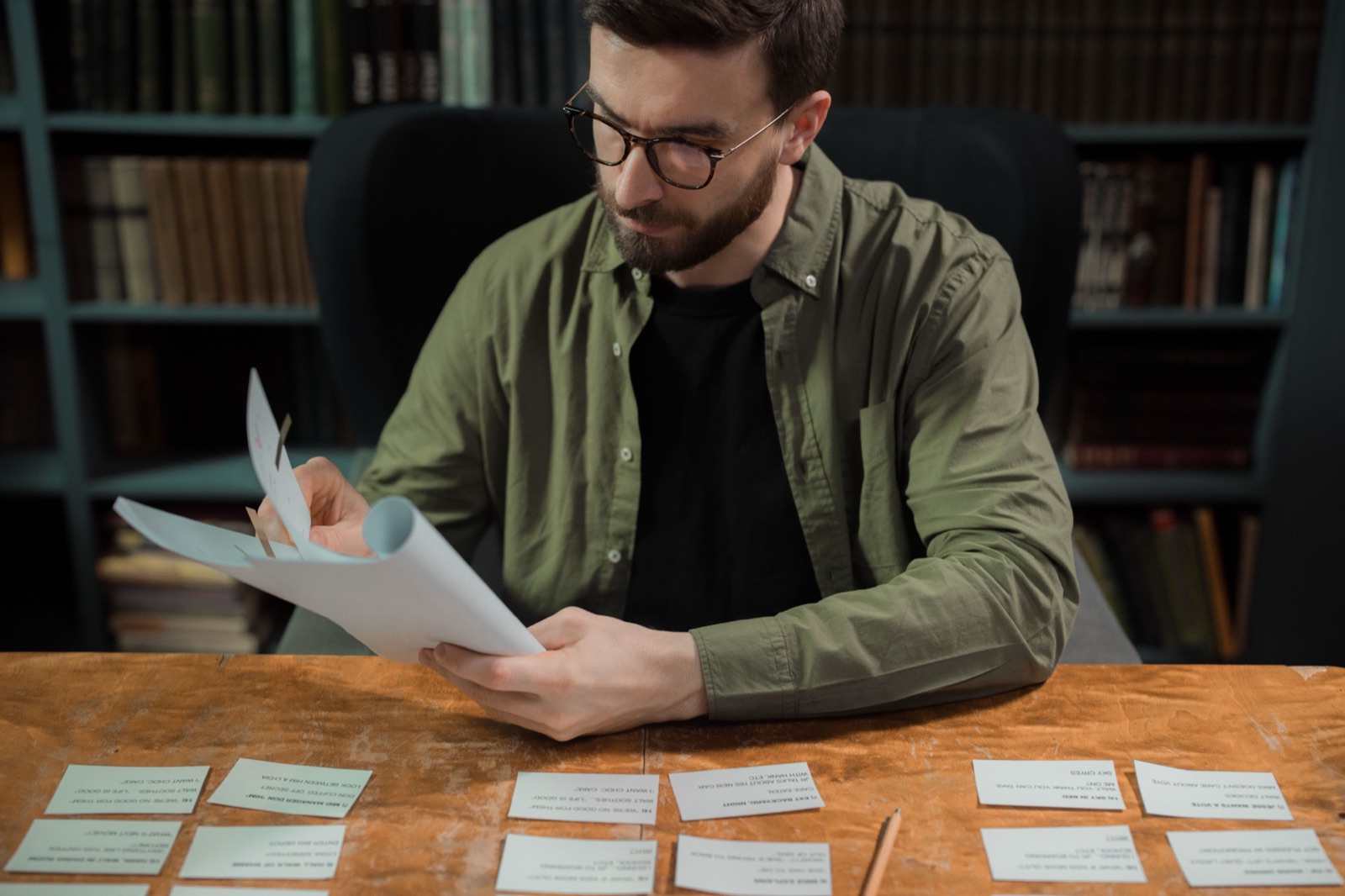
You know how it usually goes. The exam is in nine days. You know active recall works, and you know you should be making flashcards. You also know that turning a 60-page chapter into 200 cards takes an evening you don't have.
So you search Quizlet for your topic. You find a set that's close. It uses a different textbook's terms, skips the two things your professor spent a whole lecture on, and includes three topics you never covered. You study it anyway, because typing your own cards would take longer.
Then the exam asks about the thing from week six that only your professor talks about.
That's my whole complaint. A shared deck is someone else's summary of someone else's course. Your course is your professor's slides, the readings on your list, and whatever got said out loud in the lecture hall or the YouTube class. Your cards should come from those.
What Quizlet does well
I'll give Quizlet its due before I argue against it.
Its biggest strength is the library. There are public study sets for almost everything, made by other students, and when one of them matches your course closely, you can start studying in seconds. Nobody can compete with that on day one.
The study modes are good too. Learn mode walks you through a set, practice tests check you before the real thing, and the games make a dull list of terms a bit less dull. If you've used Quizlet before, you already know how all of it works, and that familiarity counts for something.
Quizlet has also moved toward making cards from your own material. Its AI flashcard generator takes typed text, PDFs and Google Drive files, and Quizlet says it works with lecture slides, handwritten notes and typed documents, including PowerPoint and Word files. Smart Assist drafts cards in a preview so you can edit, delete or add before you publish.
So if your material is a PDF or a slide deck, Quizlet can help. Where I think it falls short is everything around the cards: the lecture video, the notes, and the link back to where an answer came from.
Why I'd rather make cards from my own sources

When I make cards in Gistr, I start with a thread for the topic, something like "Cell biology, chapter 8." Into it goes the PDF, the lecture slides, and the YouTube lecture if there is one. Gistr takes PDFs, DOCX, PPTX, EPUB, web pages, audio, images, podcasts and YouTube videos.
Then I open Study, choose Flashcards, and Gistr writes the cards from those sources. A few things about that matter to me.
Every answer points back to its source
Each answer links back to the passage it came from. AI-written cards are sometimes wrong, or right in a way that doesn't match how your professor phrased it. When a card looks off, I click through and check the source. I don't have to dig through a 60-page PDF to work out whether the card is wrong or my memory is.
This is the part I'd miss most if I went back to a shared deck. With someone else's set, I have no idea where an answer came from, so I can't tell if it's wrong.
The lecture counts as a source
This is where Gistr is most different. Paste a YouTube lecture link into the thread, and Gistr imports and transcribes it, usually in under a minute. You can watch it inside Gistr, click any transcript line to jump to that moment, take timestamped notes and clip the key explanations.
Then you make flashcards and a quiz from the lecture and the PDF together. The cards cover what was said in class, not only what's in the book. If a card came from the lecture, the passage it points to is in the transcript, and the transcript takes you back to that point in the video. For a lot of courses, especially the ones taught on YouTube, the spoken explanation is the part that ends up on the exam.
The same works for podcast episodes. Our YouTube notebook and podcast pages show how both work.
Review is scheduled for me
Making cards is half the job. The other half is coming back to them at the right time, and that's the part cramming skips. Gistr's Study Space (still in beta) schedules your cards: ones you know well show up less often, and ones you miss come back sooner, just before you'd forget them. You can also build a study plan from a book or course with your exam date in view, so the reviews fit the time you have.
Next to the flashcards there's a quiz from the same sources, and a reading (a written walkthrough of the material) for when you need to understand something before you memorise it. Your notes live in the same thread.
Less typing
The time I used to spend typing cards now goes into reviewing them and fixing the few that are off. That trade is the main reason I study this way.
When Quizlet is still the better choice
I'd tell a friend to use Quizlet if:
- A good public set for their exact course already exists. Use it, it's the fastest route.
- The material is a standard list (vocabulary, a periodic table, a fixed set of definitions) that's the same in every textbook.
- They like the games and Learn mode and don't need notes or video in the same place.
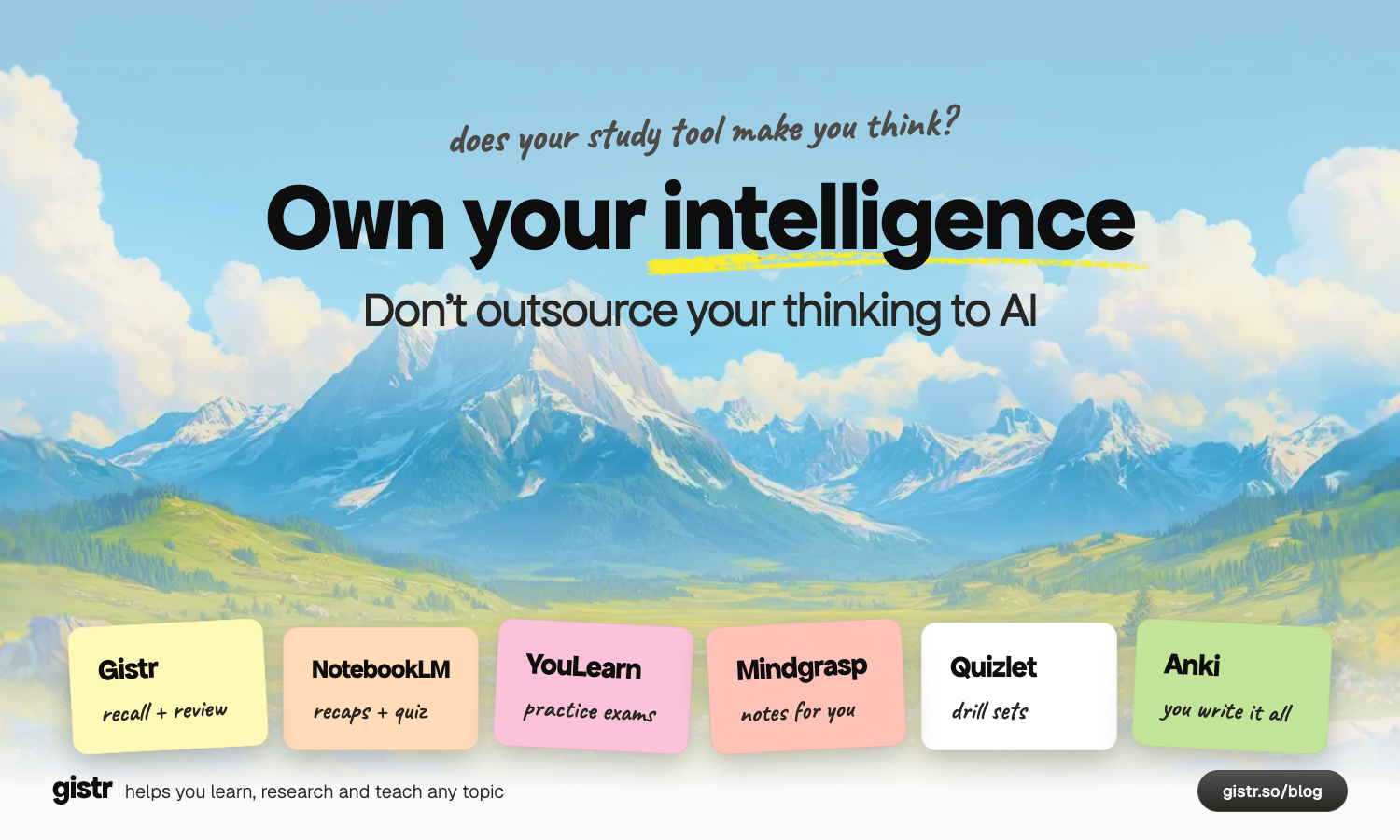
And if you want total control over your cards and pay nothing, look at Anki. It's free and open source, it schedules each card for when you're most likely to forget it, it handles decks of 100,000+ cards, and it has add-ons and shared decks. The desktop app, AnkiWeb sync and AnkiDroid are free; AnkiMobile on iOS is paid. You write or import every card yourself, though.
One honest limit on our side: Gistr can't export flashcards to Anki or Quizlet today. If your whole system lives in Anki, use Gistr as the place you read and take notes, and keep your cards where they are.
Quick comparison
| Gistr | Quizlet | Anki | |
|---|---|---|---|
| Best for | Cards from your own lectures, PDFs and videos | Shared sets and quick drilling | Long-term memorisation with full control |
| Make cards from PDFs | Yes | Yes, AI flashcard generator | No AI, write or import cards |
| Make cards from YouTube lectures | Yes, from the imported transcript | Not described on Quizlet's pages | No |
| Make cards from slides and Word files | Yes, PPTX and DOCX | Yes | No |
| Answers linked to the source passage | Yes | Not described | No |
| Spaced repetition | Yes | Not checked | Yes, its core feature |
| Quizzes and tests | Quizzes from your sources | Learn and practice tests | Card reviews only |
| Notes alongside the cards | Yes, full notes editor | No | No |
| Shared decks from other learners | No | Yes, public study sets | Yes, shared decks |
| Export cards to other apps | Not today | n/a | n/a |
| Price | Free with 500 AI credits/month; 40% student discount on paid | Free and paid tiers, check quizlet.com | Free (AnkiMobile on iOS is paid) |
Who this is for

If your course runs on your own material (lecture recordings, YouTube classes, coaching PDFs, your professor's slides), I think you'll get more out of cards made from it than from a deck someone else made for a different class. That goes for NEET, UPSC and university finals alike. And if you teach, the same thread can turn a reading list into a quiz or flashcards for your class.
Gistr helps you learn, research and teach any topic. You can start free. Paid plans and the 40% student discount are on the pricing page, and the iOS, Android, Chrome and Firefox apps are on the downloads page. If most of your learning is video, our comparison of AI YouTube note-taking tools is worth a read too.
FAQ
How do I turn a PDF into flashcards?
In Gistr, upload the PDF to a thread, open Study and choose Flashcards. Gistr writes the cards from your PDF, links each answer back to its passage, and schedules reviews. Quizlet's AI flashcard generator also accepts PDFs.
Can I make flashcards from a YouTube lecture?
Yes, in Gistr. Paste the YouTube link into a thread, and Gistr imports and transcribes the lecture. Then make flashcards or a quiz from it in Study, and add the slides or notes to the same thread so the cards cover both.
Is Quizlet still worth using?
Yes, when a good public set for your exact course already exists. Quizlet's shared library, Learn mode and practice tests are quick and familiar. If your course runs on your own professor's slides and lectures, cards made from those sources fit better.
Is Gistr better than Anki?
They do different jobs. Anki is free, open source and very customisable, but you write or import every card. Gistr writes cards from your sources and schedules them, but has far fewer settings. If you love tuning your decks, stay with Anki.
Can I export Gistr flashcards to Anki or Quizlet?
Not today. Gistr flashcards live in its Study Space, where they are scheduled for review.
Is there a free Quizlet alternative?
Anki's desktop app, AnkiWeb sync and AnkiDroid are free. Gistr Free gives 500 AI credits a month for notes, flashcards and quizzes from your own sources.
Does Gistr work for NEET and UPSC preparation?
Yes. You can make flashcards and quizzes from NCERT PDFs, coaching notes or YouTube lectures, and build a study plan from a book or course with your exam date in view.
Sources (checked October 29, 2026):
- Quizlet AI flashcard generator: https://quizlet.com/features/ai-flashcard-generator (read via search index; direct fetch was blocked by Quizlet's bot check)
- Quizlet study guides upload: https://quizlet.com/study-guides/upload (read via search index)
- Quizlet Help, Creating study sets with Smart Assist: https://help.quizlet.com/hc/en-us/articles/39606772122509-Creating-study-sets-with-Smart-Assist (read via search index)
- Anki: https://apps.ankiweb.net/
- Gistr pricing: https://gistr.so/pricing
- Gistr YouTube notebook: https://gistr.so/youtube-notebook
- Gistr podcasts: https://gistr.so/podcast
- Gistr downloads: https://gistr.so/downloads